Script to video4 steps
Screenplay to video: from story beats to a shot plan
The short answer
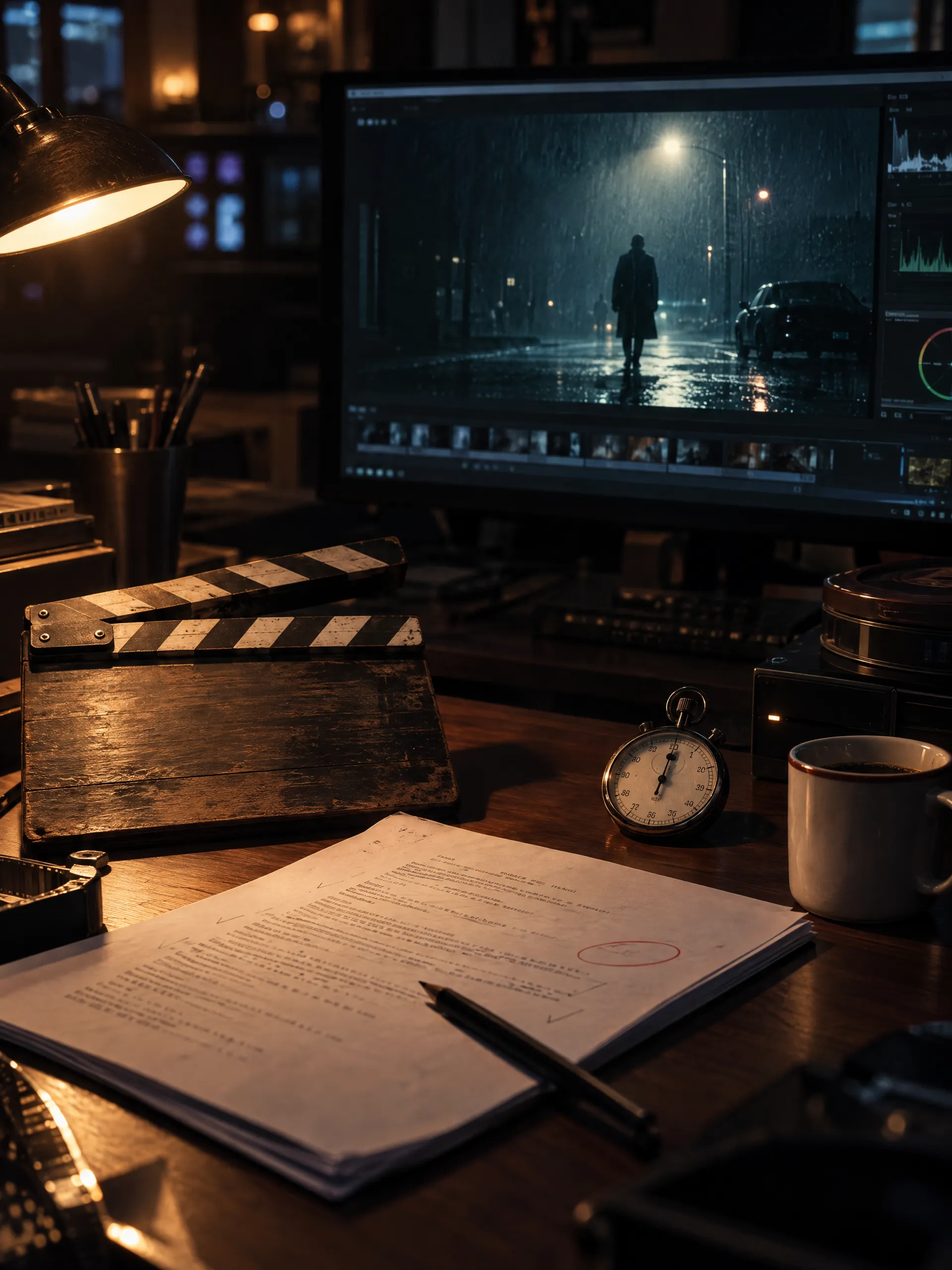
A screenplay-to-video workflow turns written action and dialogue into a sequence of visual decisions. Identify the scene, separate its story beats, plan the coverage, establish references, then generate and review the clips together. Human review determines whether the resulting cut communicates the intended story.
A screenplay becomes
a production plan.
Follow the decisions from script to video.
INT. HARBOR CONTROL ROOM - DAWN
Nora studies the harbor, brass key in her right hand.
She places the key onto the pale blue chart.
Nora looks up toward the amber warning lamp.
Start with the scene.
Signal at Dawn establishes Nora, a control room at dawn, and a brass key whose position changes during the scene.
Nora studies the harbor; key in right hand
Nora places the key onto the blue chart
Nora looks toward the amber warning lamp
Give each beat a shot.
The source scene calls for wide, medium, and close coverage: study the harbor, place the key, then react to the warning lamp.
Signal at Dawn
Establish the visual world.
Carry Nora’s wardrobe, the control room, and the key’s intended state into reference planning and footage review.
Nora’s olive jacket, left-wrist watch, and key in the right hand.
The key moves onto the blue chart as the warning lamp begins to glow.
Nora looks toward the amber lamp. The key remains on the chart.
Give each take a clear review.
Check the planned wide, medium, and close views against the scene’s identity, prop state, and lighting requirements.
Planning illustration based on Signal at Dawn. View the project ↗
Make the process repeatable
Step 01 Scene intent
Read for change
For each scene, identify what a character wants, what happens, and what changes by the end. Mark the action and reaction that the viewer must understand.
You leave with A clear scene objective
Step 02 Shot plan
Translate beats into coverage
Choose the frames that communicate those beats: an establishing view, a relevant action, a reaction, or an insert. The number of shots should serve the scene and its pacing.
You leave with A shot list with framing and intent
Step 03 Continuity
Record continuity decisions
Track who holds a prop, where people stand, which direction they look, and the current wardrobe and lighting. Use references for visual details that must carry between shots.
You leave with Visual references and scene state
Step 04 Sequence review
Review the cut against the script
Assemble the coverage and ask whether the audience can follow the action. Review each retake in context, then check sound, transitions, and the intended delivery format.
You leave with A reviewable sequence
Signal at Dawn: a source scene becomes coverage
Planning decisions from the original Signal at Dawn source scene.
| Script beat | Coverage decision |
|---|---|
| Nora studies the harbor, holding a brass key. | A wide shot establishes Nora, the room, and the key in her right hand. |
| She places the key onto the pale blue chart. | Medium coverage shows the action. Track the key from her hand to the chart. |
| The amber warning lamp begins to glow. | Establish the warning and its location so Nora’s reaction reads clearly. |
| Nora looks toward the lamp. The key stays on the chart. | A close view carries the reaction. Check the key state, wardrobe, and room against the earlier shots. |
Read the source scene
Signal at Dawn
Original production study for Induce · 3 shots · 15 seconds
INT. HARBOR CONTROL ROOM - DAWN
NORA VALE, a harbor operator in her mid-thirties, wears a dark olive work jacket and a plain orange watch on her left wrist. Her dark hair is tied back. In her right hand she holds a small brass key.
The room has a pale blue chart table, tall windows overlooking harbor cranes, and an amber warning lamp to the right of the table. The cool dawn light and the room layout remain the same.
SHOT 01 - WIDE - 5 SECONDS
Nora stands at the chart table, studying the harbor through the windows. The brass key is in her right hand. A quiet pause.
SHOT 02 - MEDIUM - 5 SECONDS
Closer on the same Nora. She places the brass key onto the pale blue chart with her right hand. The orange watch remains on her left wrist. Her expression sharpens as the warning lamp begins to glow.
SHOT 03 - CLOSE - 5 SECONDS
Nora looks up toward the amber warning lamp. The key stays on the chart in the foreground. Her jacket, watch, hairstyle and the harbor control room stay consistent. Cut to black.
Common questions
No. One shot may cover several lines, while one important action may need several views. Plan coverage around story intent, timing, and the available production controls.
Induce Studio brings script upload, scene and shot planning, visual references, generated clips, and final-cut review into one project. Evaluate the workflow with a representative scene from your own material.