Previsualization
Explore a scene before the shoot.
Test the visual idea, coverage, and pacing in a creative review before committing to physical production.
Explore scene planningPlan scenes, build visual references, generate clips, and review a cut for your studio’s next production.
Screenplay · Shot plan · References · Cut
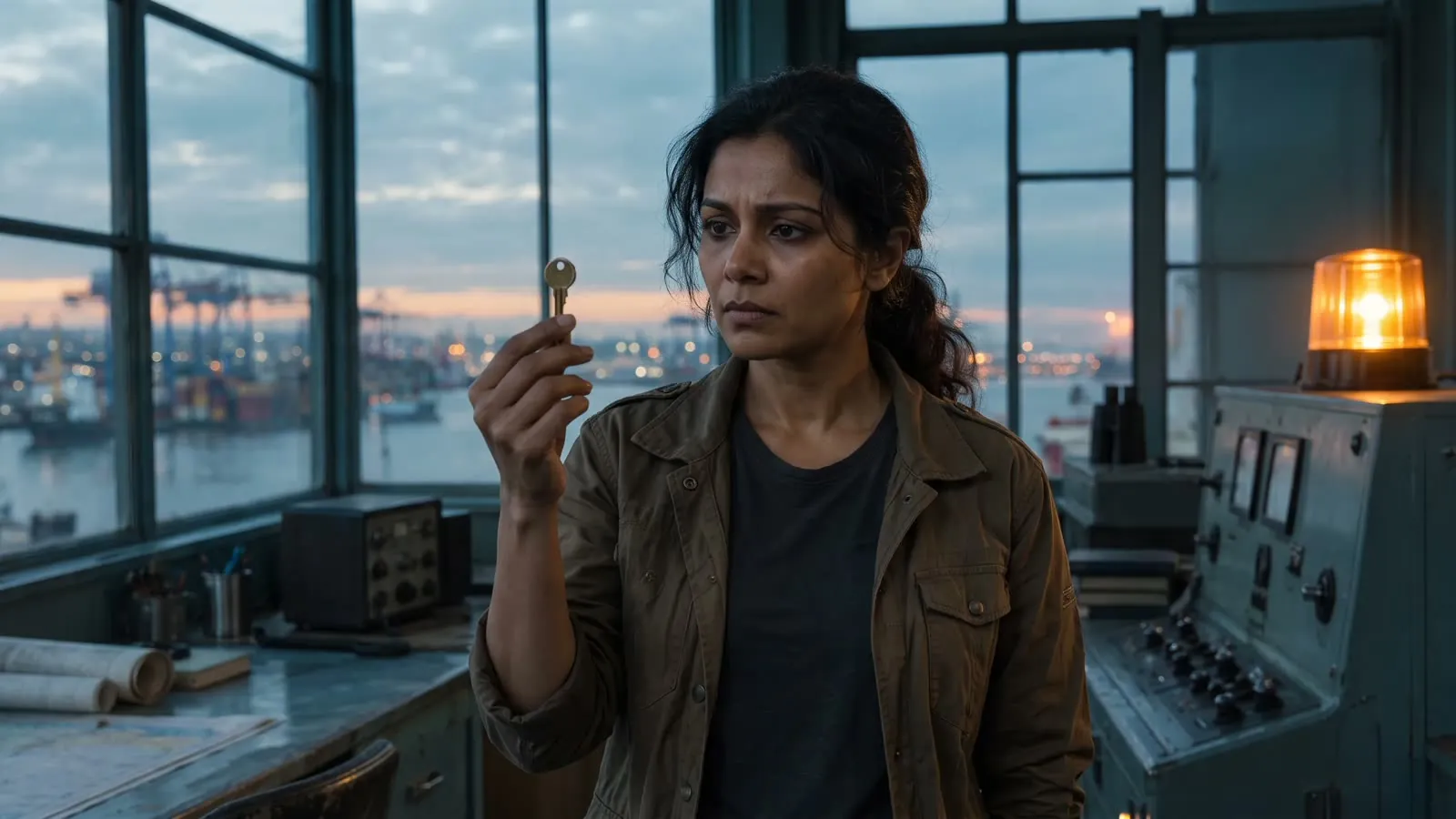
Period, thriller, noir, and animation. Frames from scenes developed in Induce, including three angles on a single diner set.
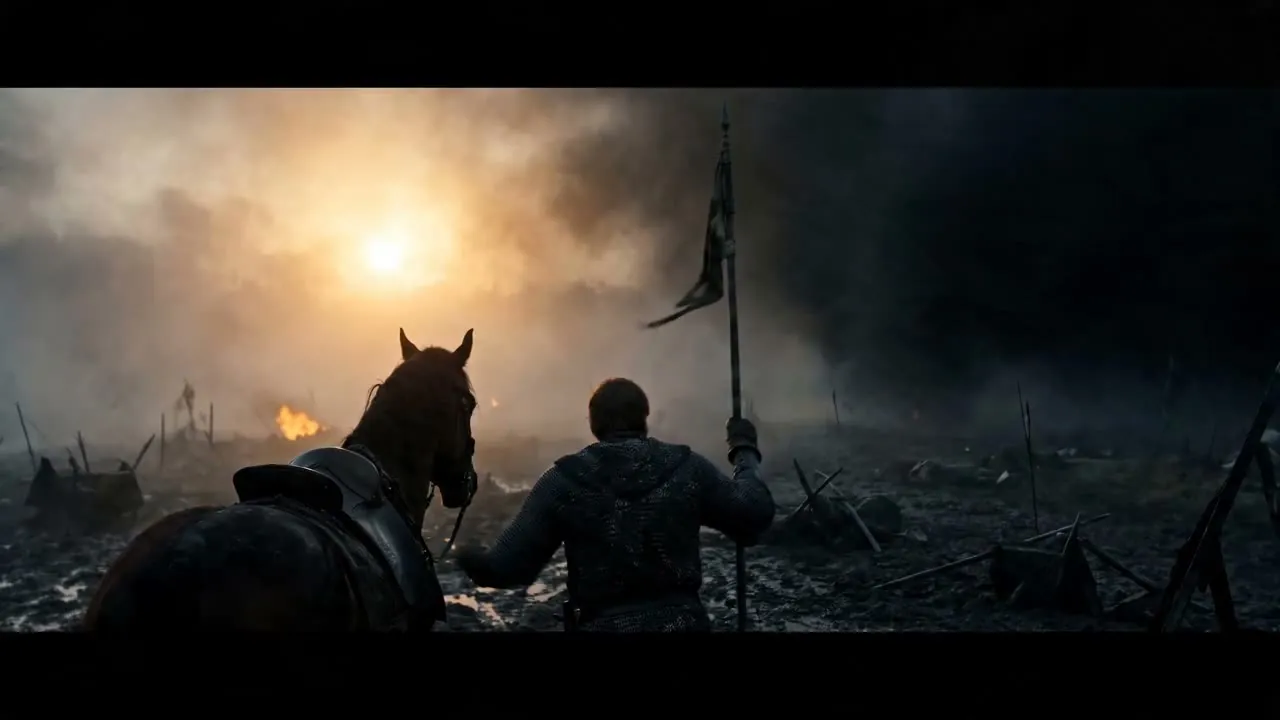
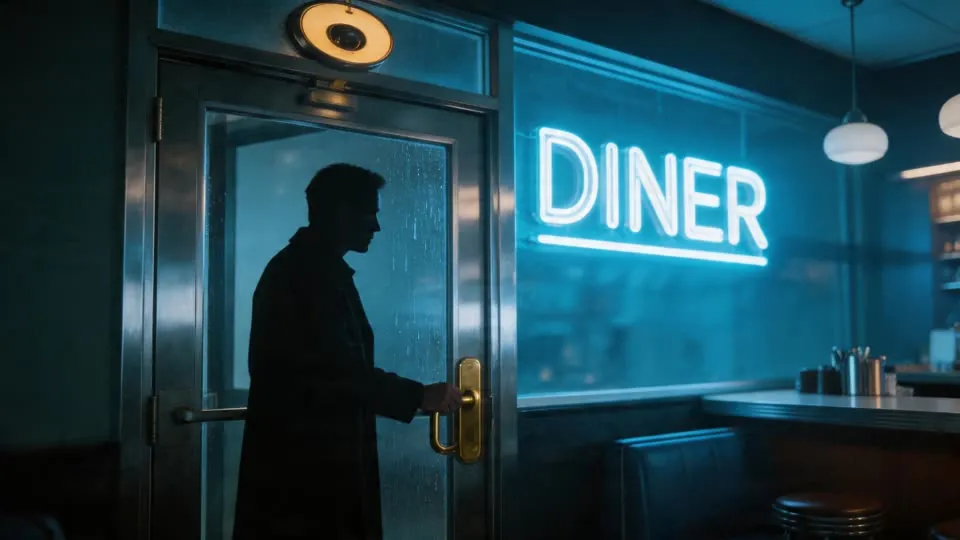
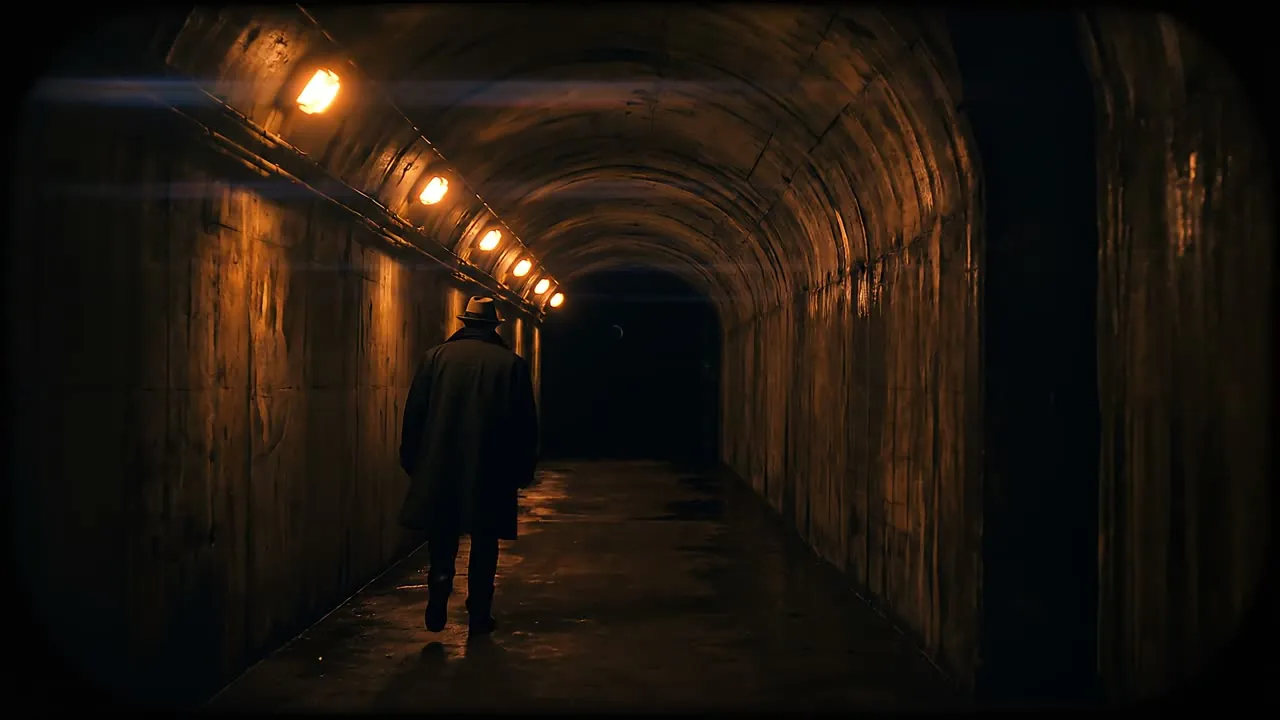
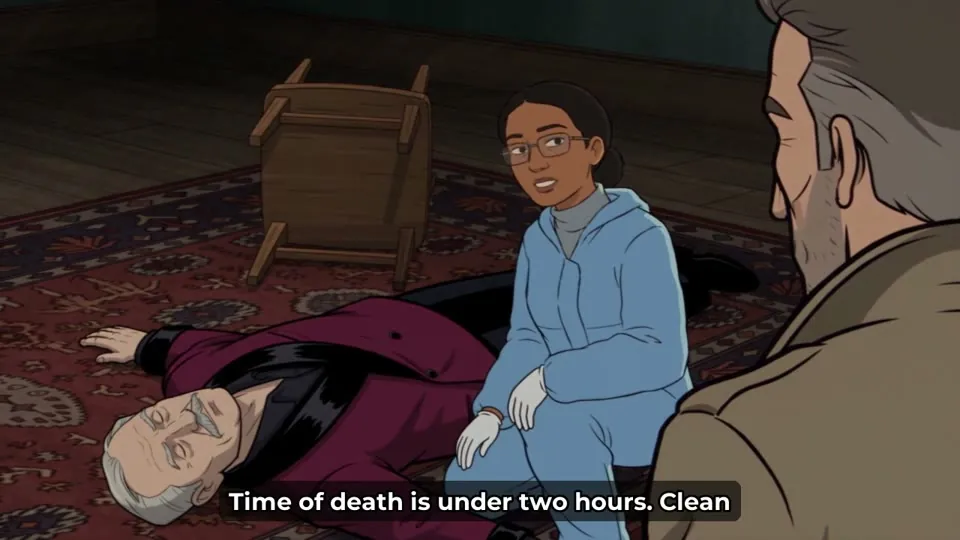
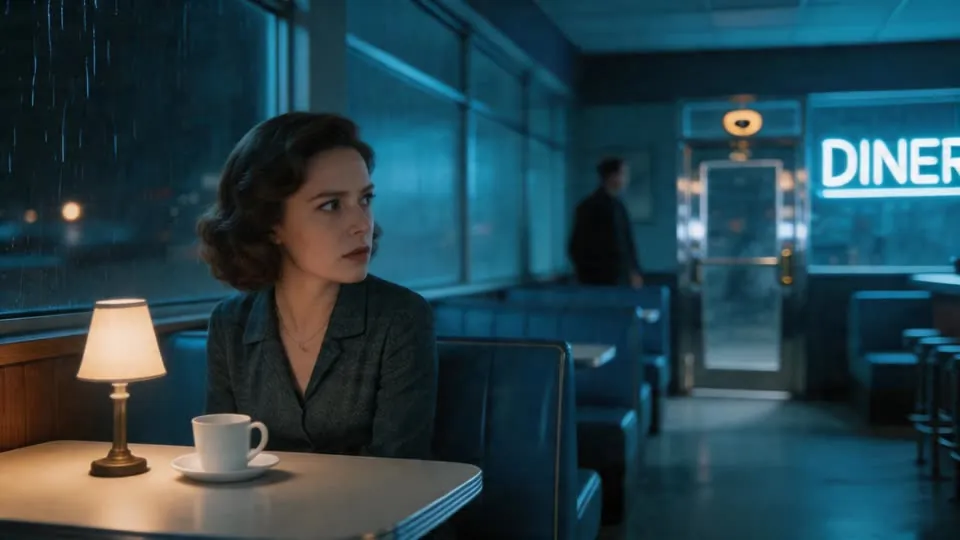
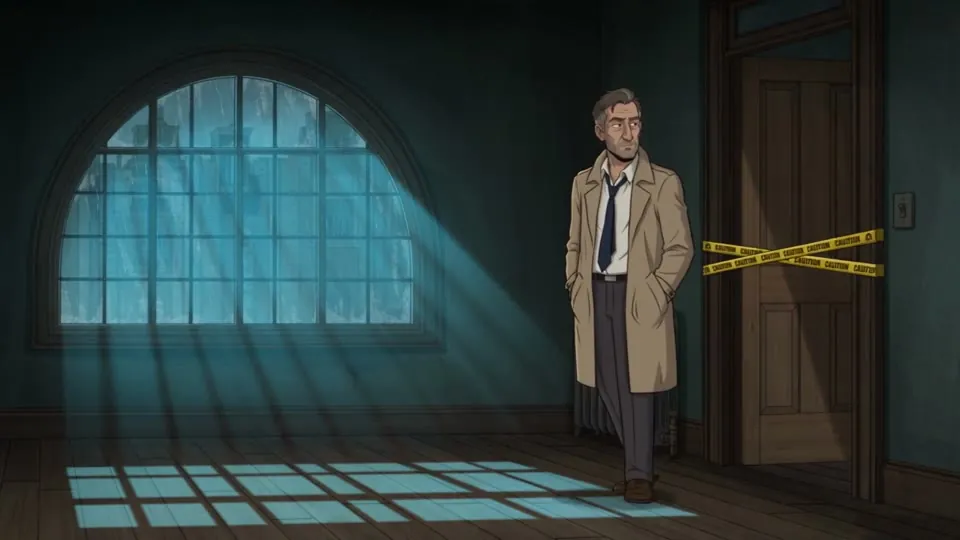
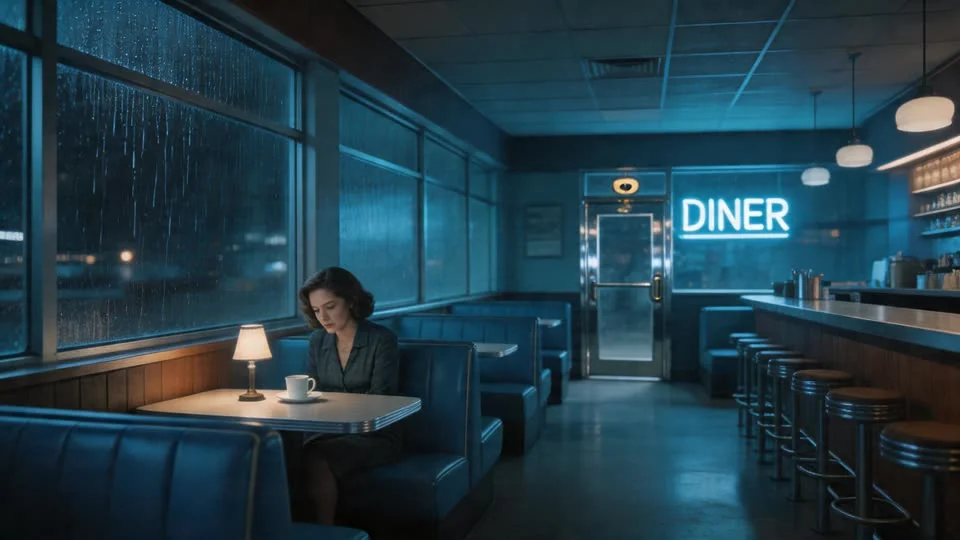
Frames generated in Induce. See how continuity is reviewed across a cut.
Keep the scene objective, coverage, references, and review connected through production.
Identify the action, reaction, and change the audience needs to understand.
Develop a scene and shot plan around those beats and the intended pacing.
Build references for the cast, setting, props, and the look of the sequence.
Inspect the clips together and revise the shots that need another pass.
Illustrative workflow and cinematic examples.
Choose a production context, then evaluate the footage against its creative purpose.
Test the visual idea, coverage, and pacing in a creative review before committing to physical production.
Explore scene planningDevelop a treatment or screenplay excerpt into footage your team can discuss alongside a pitch or lookbook.
Work from the screenplayUse a representative sequence to review recurring characters, the edit, and the production effort a larger project needs.
Plan a longer productionFor narrative video and AI previsualization, give a note on one shot and review the retake in the context of the cut.
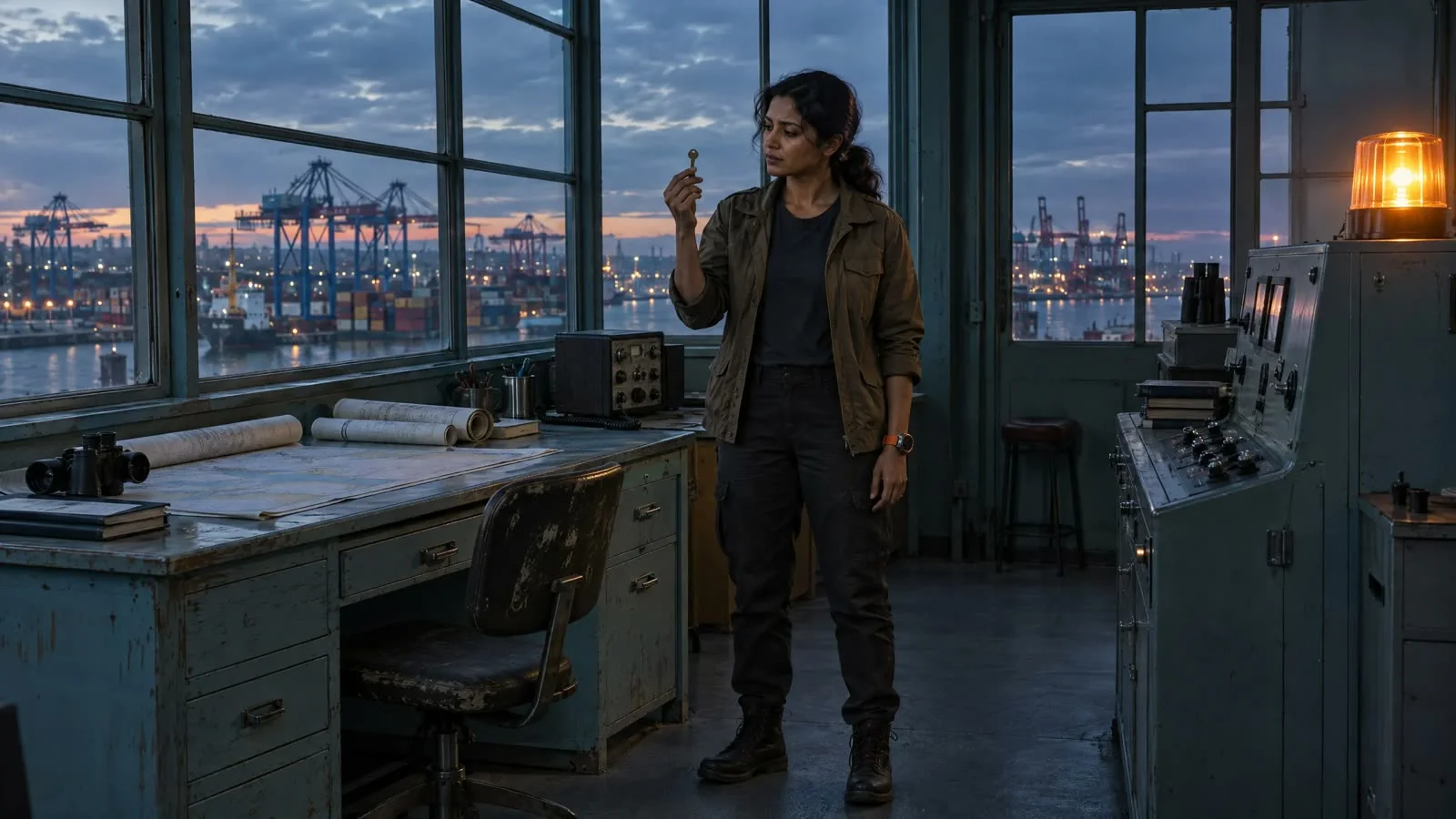
 Note Move closer for the reaction
Directors, producers, and development teams within studios and production organizations evaluating narrative AI video, previsualization, and repeatable production workflows.
Induce Studio includes script upload, scene and shot planning, visual references, generated clips, and final-cut review. Bring a representative scene to evaluate the workflow with your team.
Studio includes shot retakes and final-cut review. Use a pilot to assess the current direction controls and review revised clips in the context of your sequence.
Induce’s Terms say customers retain ownership of outputs from their inputs and have commercial usage rights, subject to the Terms and applicable third-party rights.
Start with your screenplay, visual direction, review criteria, and intended delivery. Scope a pilot before expanding the slate.