Campaign development
Explore the creative direction.
Build product campaign imagery from a product reference, model, and aesthetic. Review the look before planning the wider campaign.
Explore AI product photographyAI filmmaking for agency networks turning briefs and screenplays into planned scenes, generated clips, and reviewable cuts.
Brief · Plan · Reference · Generate · Cut
Explore the screenplay-to-video workflow. Each stage plays in turn; choose one to stay on it.
Describe the campaign or upload a screenplay in the Story workspace. Set the idea, cast, and setting before developing the production.
Develop the scene and shot plan around the brief. Keep the action, characters, and direction together as the sequence takes shape.
Build character, location, and prop references within the project. Use them to develop the visual direction before generating clips.
Generate footage against your shot plan. Inspect the clips, refine the direction, and retake shots as the production develops.
Assemble and review the final video. Bring any ProRes, EDL, or custom handoff requirements to the pilot so we can confirm feasibility and scope.
Packshots, product studies, and campaign concepts generated from product references in Induce.
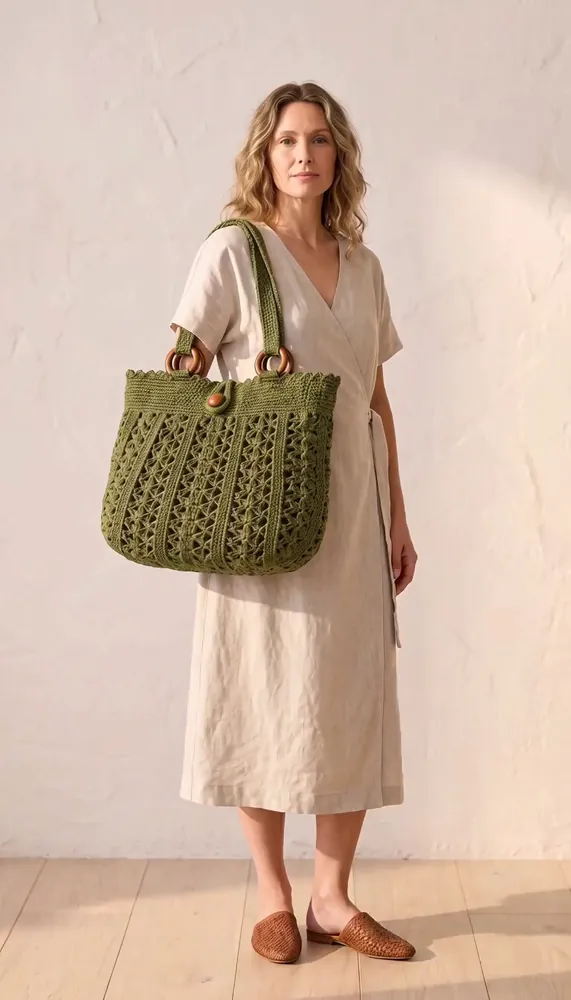



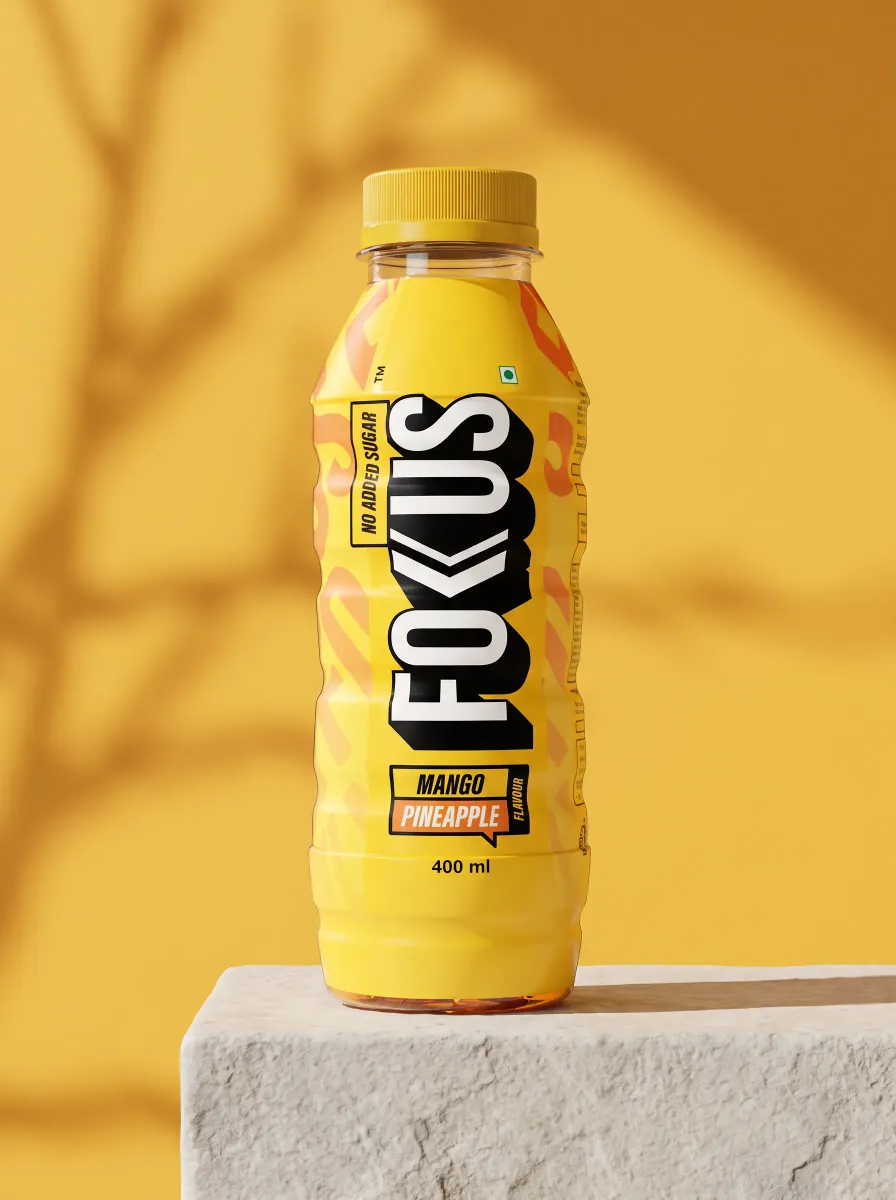
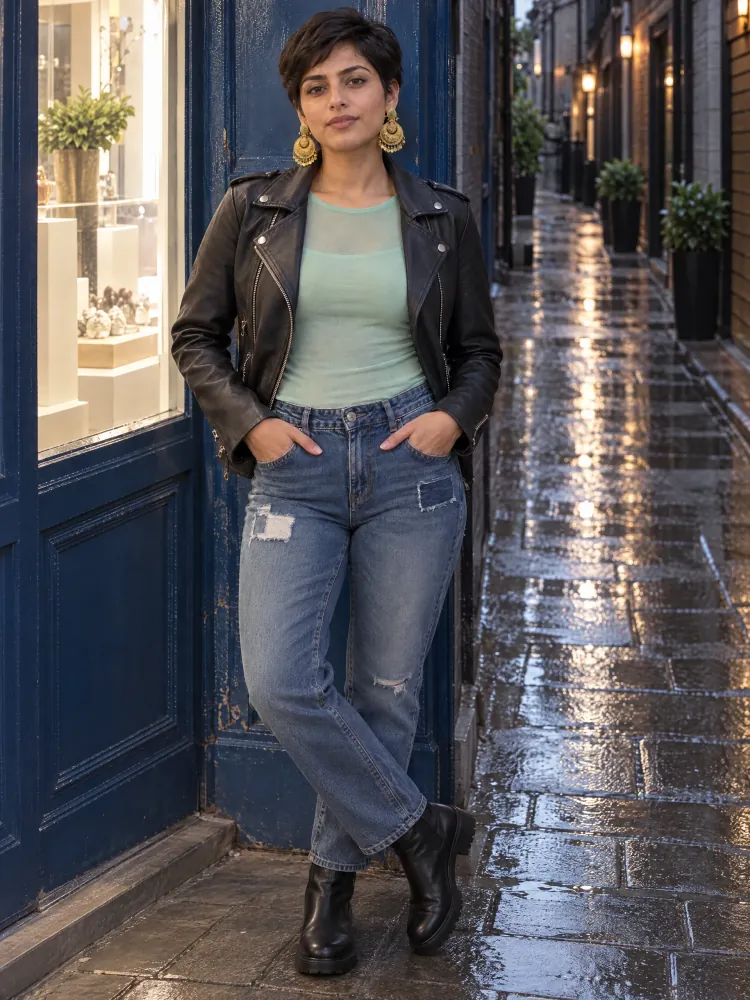
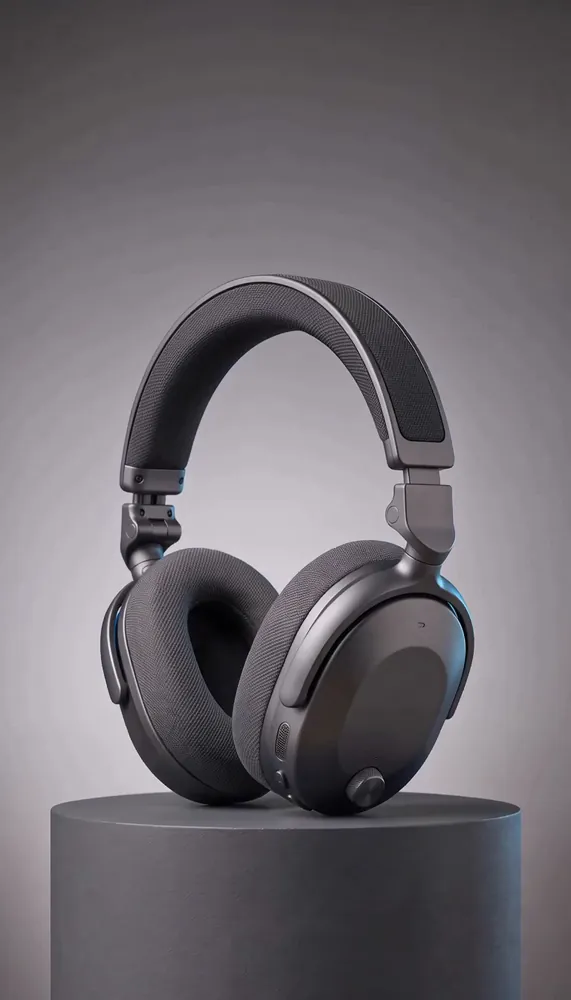


Generated with Induce’s AI product shoot. Explore AI product photography.
A production workflow can serve different briefs. Start with the scene and output your client actually needs.
Build product campaign imagery from a product reference, model, and aesthetic. Review the look before planning the wider campaign.
Explore AI product photographyStart each brief with the cast, setting, visual references, and delivery needs your production team can review.
Plan repeatable productionUse screenplay action and reaction to plan the shots a branded sequence needs before generating the footage.
See a scene breakdownGive each client review a clear purpose and a concrete artifact to assess.
Set the message, audience, brand constraints, and intended delivery with the client.
Check cast, product, setting, and shot direction before expanding the scene.
Watch the sequence, capture specific shot notes, and inspect the revisions in context.
Test a sample file and agree any required codec, edit format, or external integration.
Tell us what your production needs. SSO, private deployments, and custom formats require scoping and may need development. We confirm availability, feasibility, and timing before you commit.
Need Okta, Microsoft Entra, Google Workspace, or SAML? Share your identity requirements.
Discuss your cloud, network, region, and data residency requirements.
Scope render events, delivery notifications, and connections to your production tools.
Need ProRes, EDL, or a specific editor handoff? Bring your delivery specification.
Induce brings the script-to-video workflow into a project: develop the brief or screenplay, plan scenes and shots, create visual references and clips, then assemble a cut for review. Agency networks can scope a pilot around their production volume and review process.
Teams can review generated clips and use shot direction or retakes to refine a cut in Studio. Test the revision workflow with your own brief during a pilot; turnaround depends on the production and generation requirements.
Yes. Share your identity, cloud, integration, or export requirements. SSO, VPC deployment, and custom formats may need development. Our team will confirm availability, feasibility, and timing before you commit.
Induce’s Terms say customers retain ownership of outputs from their inputs and have commercial usage rights, subject to the Terms and applicable third-party rights. Review the Terms for your client work and production requirements.
Scope a pilot around your volume, creative review, delivery formats, and integration requirements.