AI product shoots.
Your creative direction.
AI product photography for ecommerce and brand campaigns: packshots, lifestyle scenes, on-model images and video.
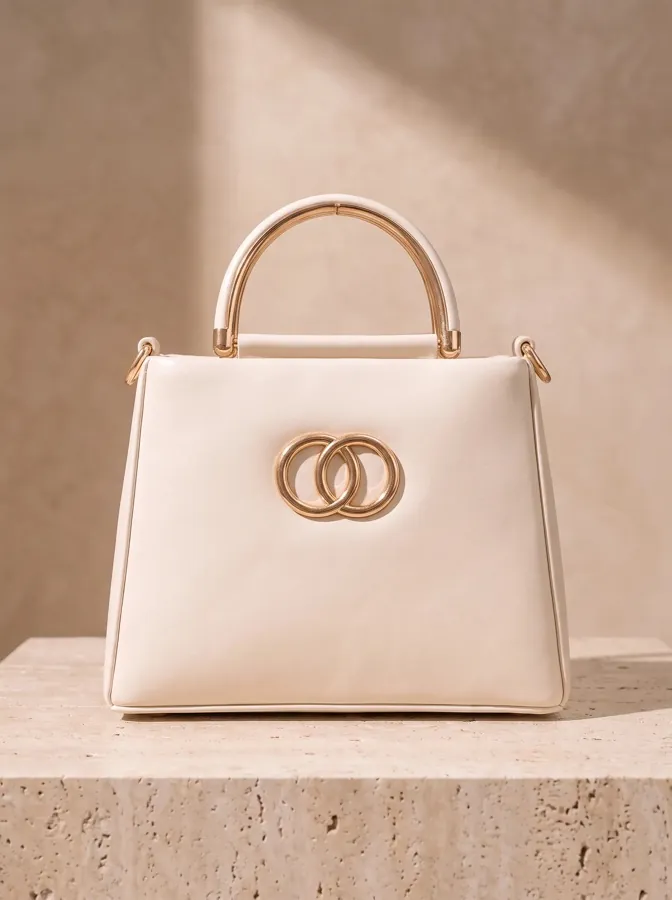
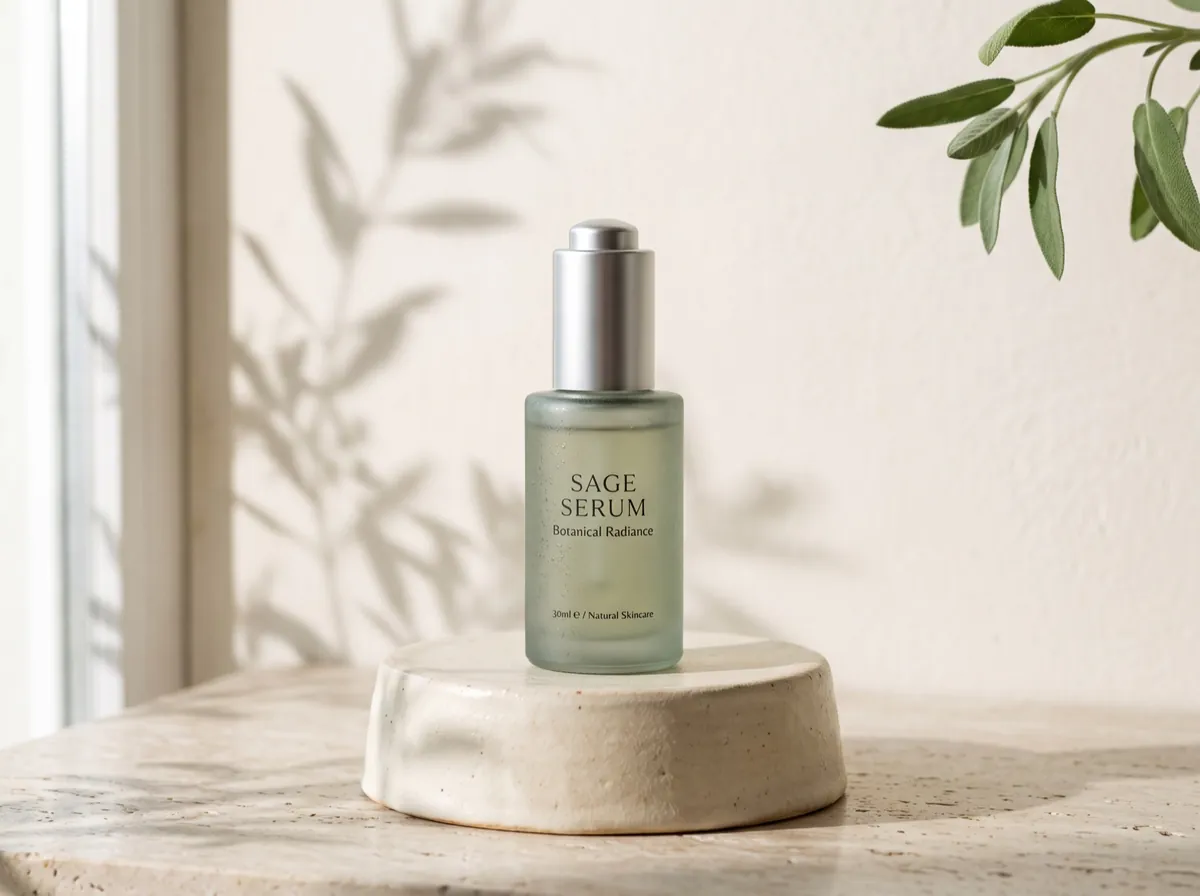
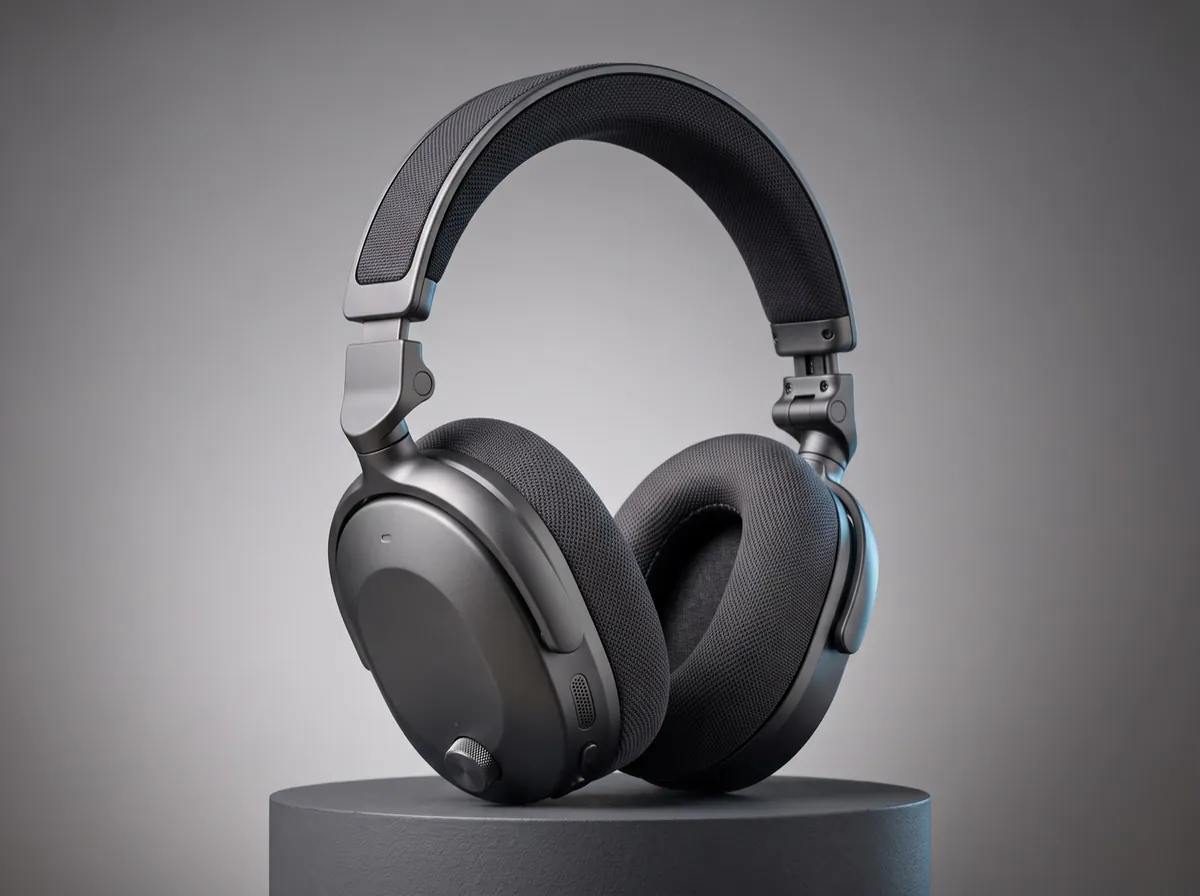
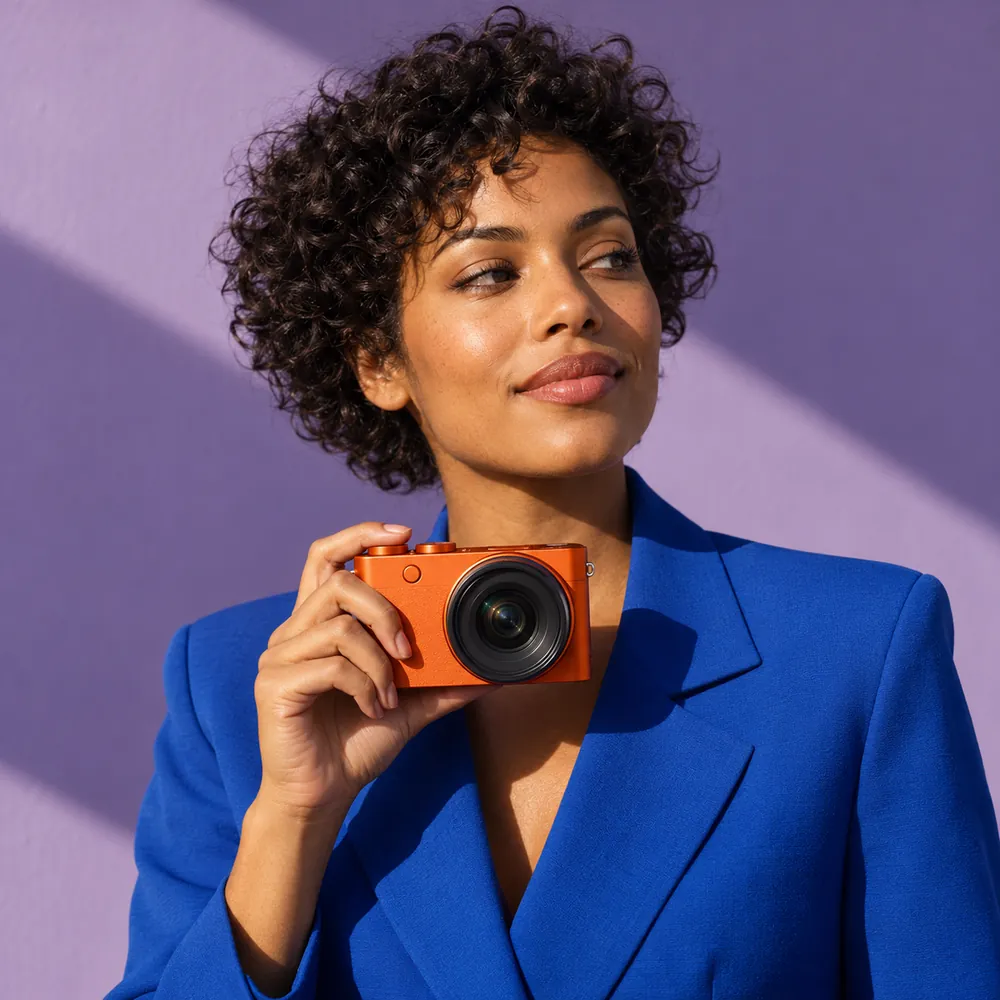
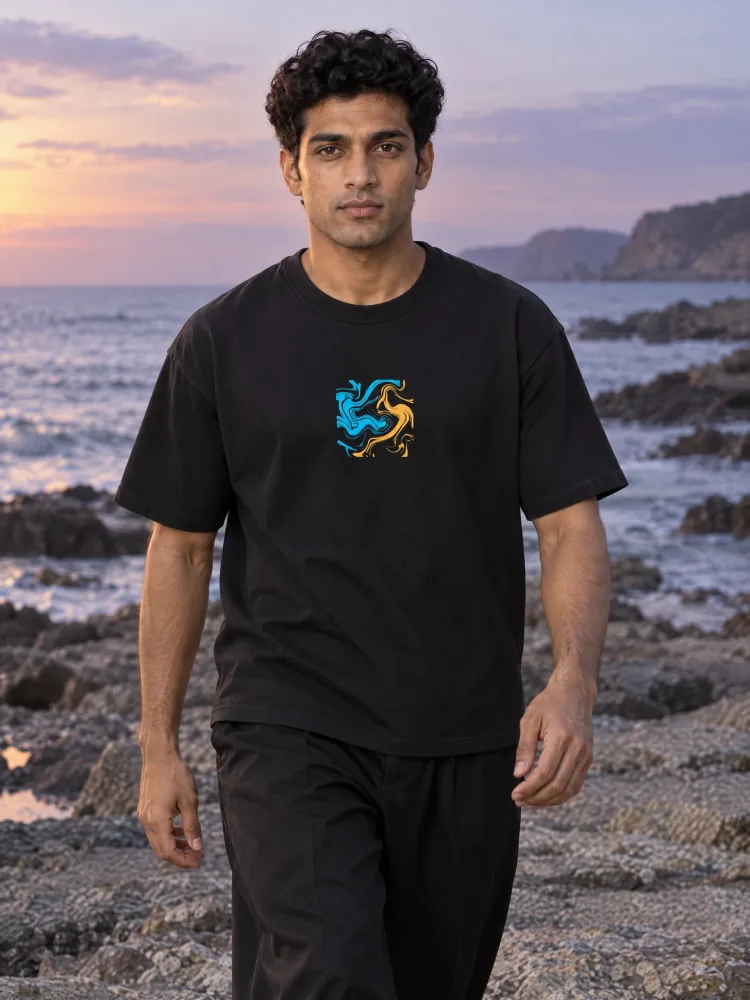
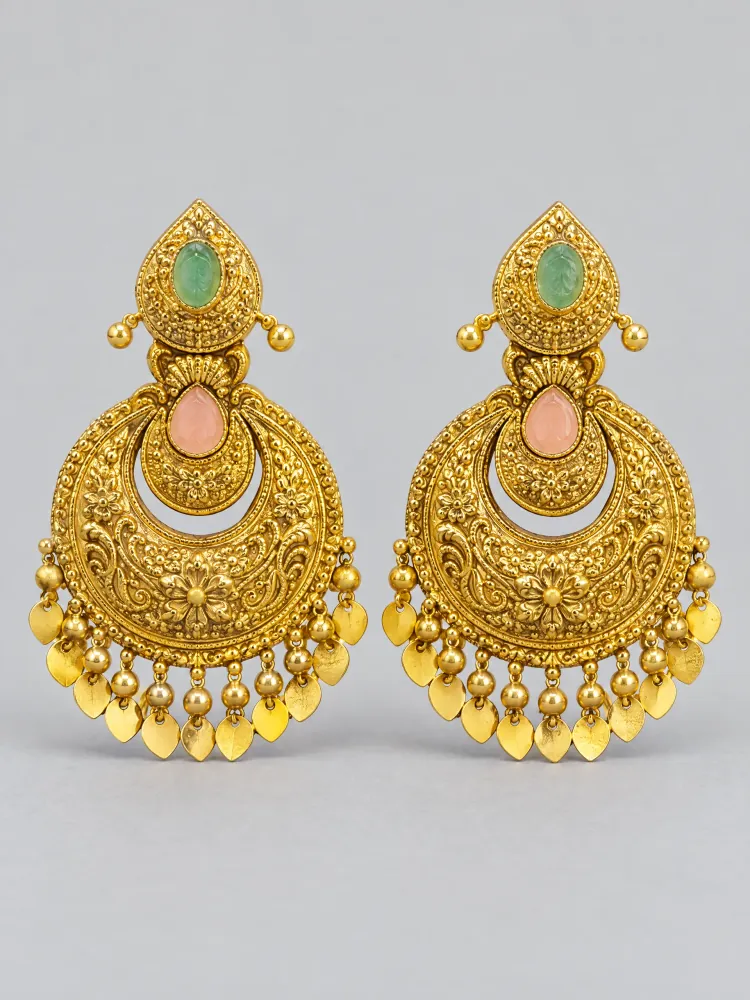
The lookbook
Packshot to campaign,
in one direction.
Packshots, lifestyle scenes, and on-model films share the light and palette you set.
The brief
Choose what goes
into the shoot.
Product, model, outputs, aesthetic. Four choices that shape the production.
Choose product
Start with clear photos of the product and its defining details.
Choose model
Choose a stock model or bring your own reference. Optional for goods.
Choose outputs
Build a shot list of stills, product films, or both.
StillsMotionChoose aesthetic
Choose a look, or describe your own light, palette, setting, and camera direction.
Ready to shoot. Review the setup and estimate, then generate.
Start your shoot→The review
Look closer
before launch.
Compare the candidate with the product reference. Your team makes the final call.
Shape
Proportions, edges, seams, and construction.
Finish
Material, texture, reflections, and color.
Branding
Logos, lettering, labels, and artwork.
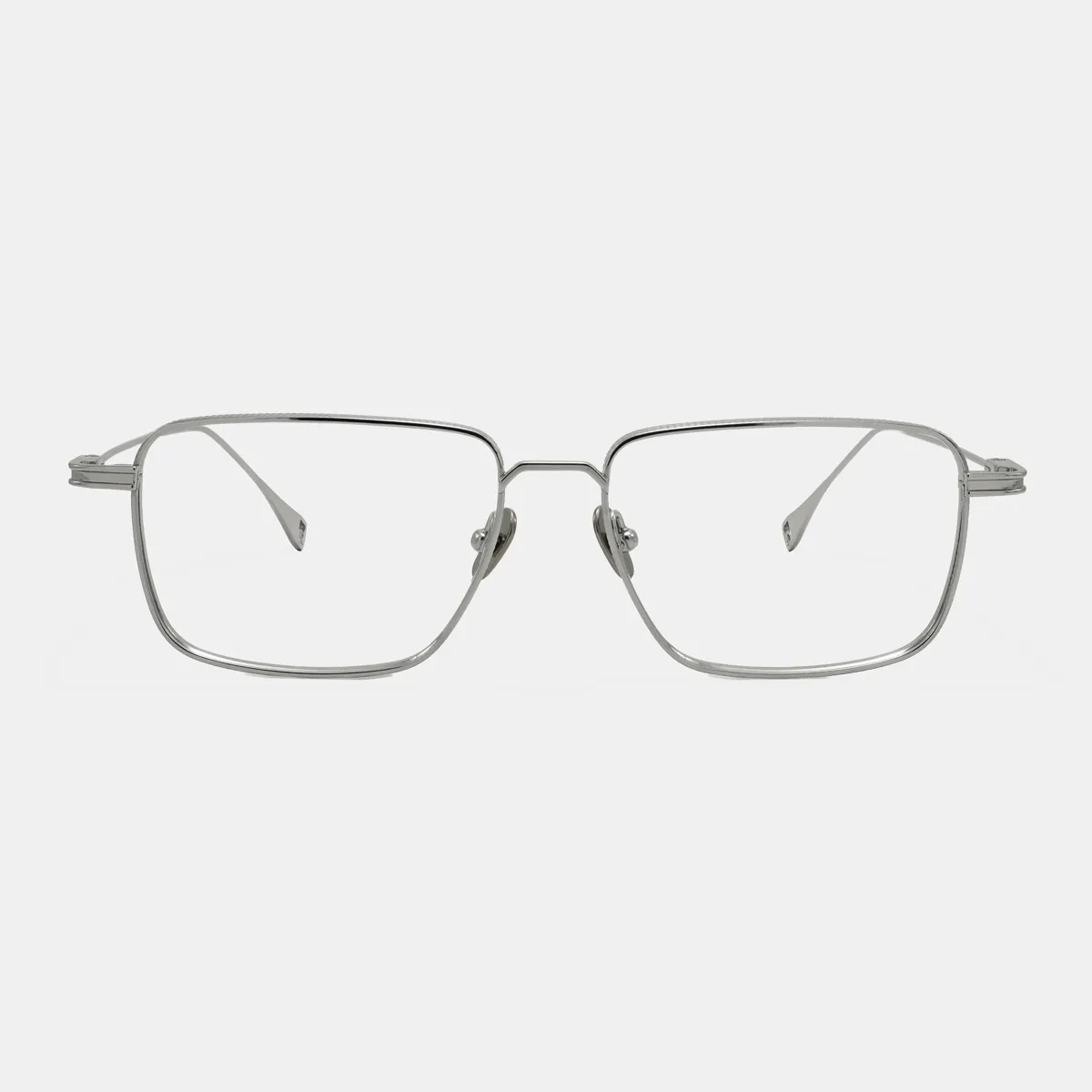 Reference
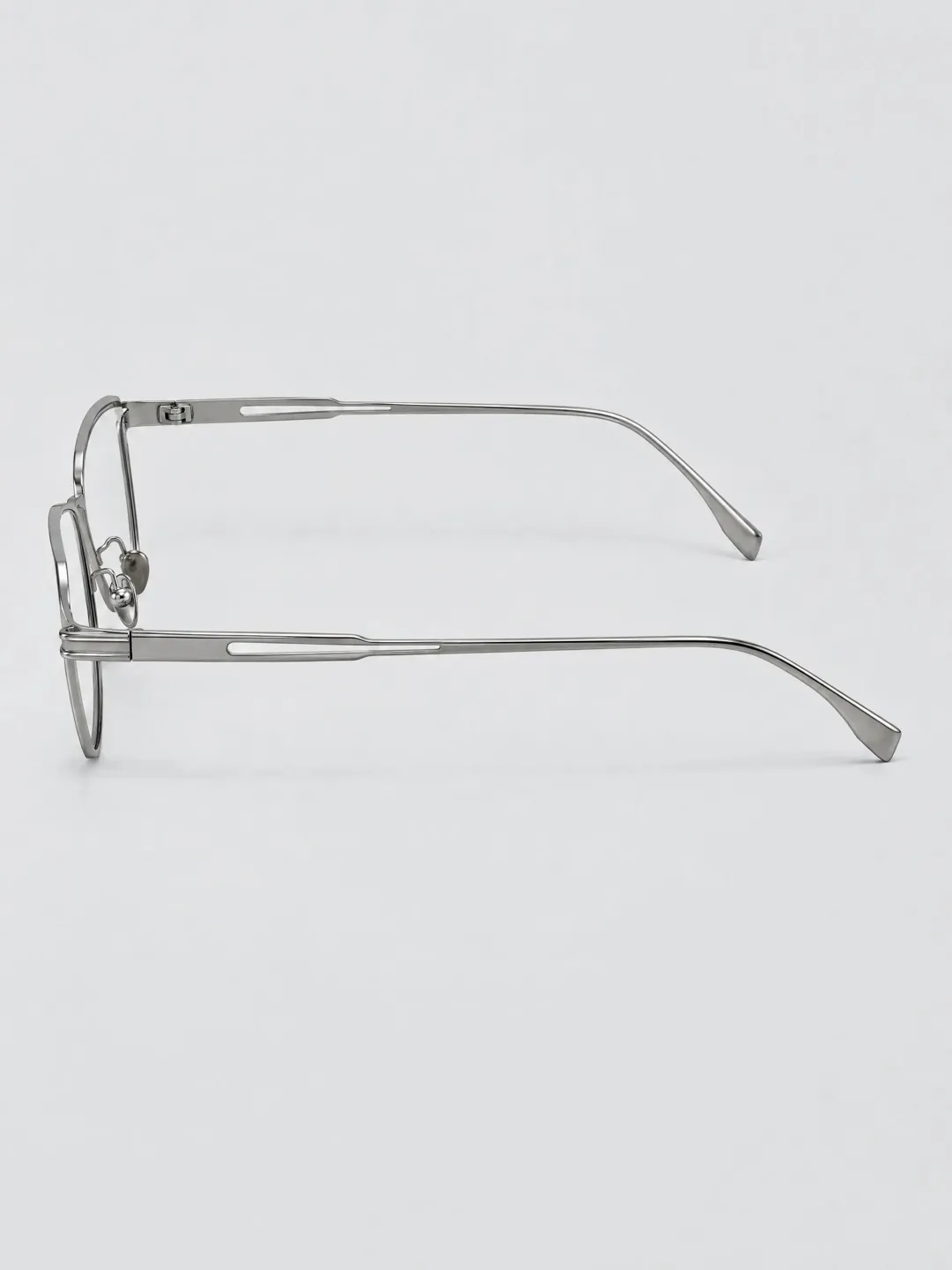 Product Shoot output
The pilot
Bring the
next product.
Share your references, shot list, and delivery criteria. We’ll plan a pilot around your catalog or brand workflow.
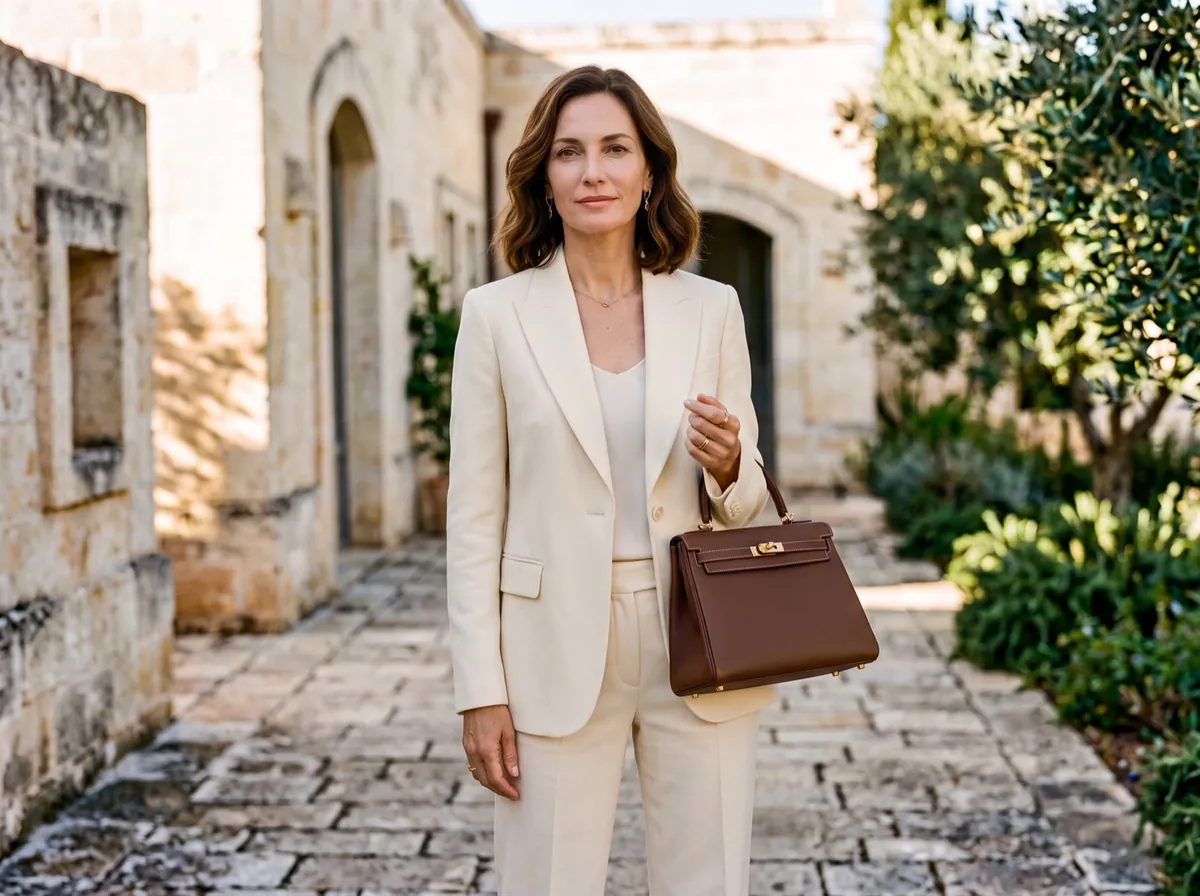
Product shoot questions.
Product Shoot is Induce’s AI product photography workspace. Add product references, choose a model when needed, select outputs and an aesthetic, review the estimate, then generate and inspect the results.
Use 1–8 clear reference photos of the same product. Include useful angles and visible details such as construction, material, color, labels, and logos. Upload material your team has permission to use.
Choose packshots, lifestyle product photography, on-model images, and selected product videos. Available shots depend on your setup and account; confirm the shot list and delivery requirements when planning your pilot.
Plan product photos for catalogs and product detail pages (PDPs), then select lifestyle or on-model shots for campaigns. Check your channel’s image and format requirements and approve product details before publishing.
Choose a suggested look or describe your own direction. A look can define the setting, light, palette, wardrobe, and camera treatment. Review the direction, selected shots, and estimated cost before generation.
Checks can report pass, fail, or uncertain findings. Still-image checks cover the image; video checks sample frames. Compare results with your product references and approve them before publishing. Results without a completed check remain unverified.
Product Shoot shows an estimated credit total for the selected shoot before generation. Review the setup, shot list, and current estimate together. Measure review time and any further attempts when evaluating production cost.
Bring a representative product, its references, required image formats, and your approval criteria. Start with a scoped pilot, review the resulting imagery, and discuss production volume and rollout requirements with our team.