Best AI Movie Poster Generator in 2026: Ranked
The best AI movie poster generators in 2026, ranked by visual quality, text handling, and workflow. Midjourney, FLUX, Ideogram, Firefly — and when to use each.
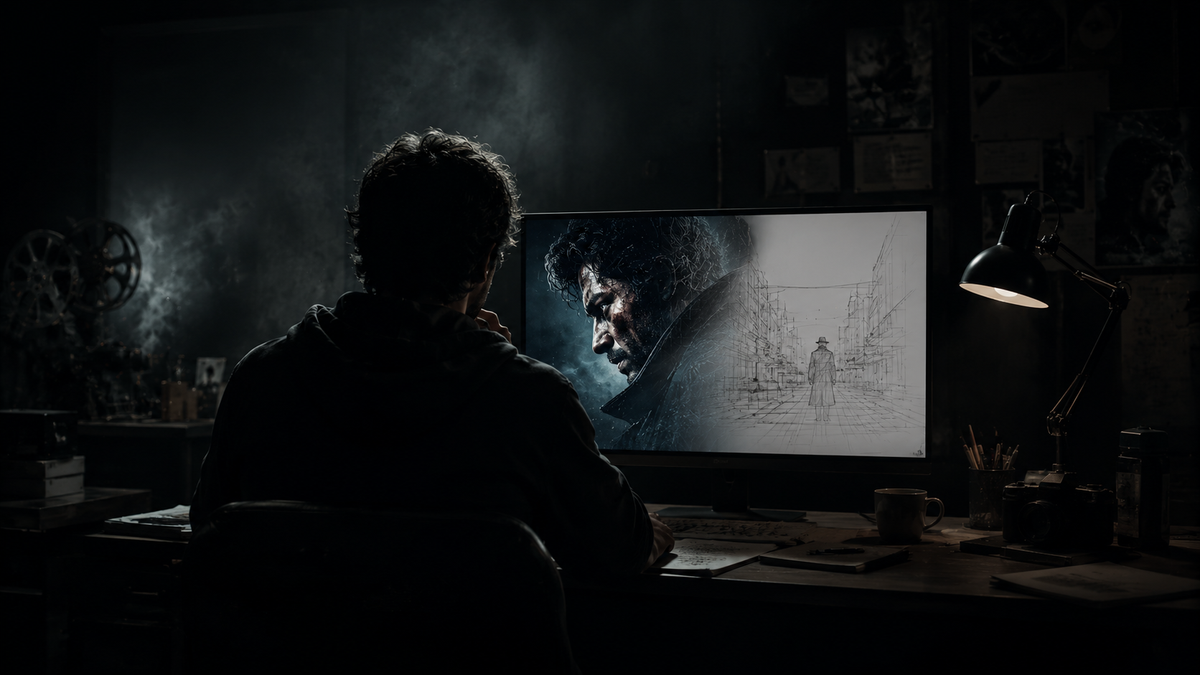
An AI movie poster generator uses image generation models to produce cinematic key art from a text prompt, a character reference, or a script brief. The best tools in 2026 handle dramatic composition, lighting, and mood. The one thing most of them still get wrong is typography — and that gap determines which workflow actually ships a poster you can use.
Why Typography Is the Hardest Part
A real movie poster has specific text requirements: a title in a dominant treatment, a tagline above or below, a credits block at the bottom in compressed font, and a billing block with cast and crew. For most of the history of AI image generation, getting a model to render legible, correctly spelled title text inside an image was unreliable at best.
That changed in June 2026 with Ideogram 4.0, the first model that treats text as a first-class citizen in the image rather than an afterthought. For most poster workflows before that, the correct approach was to generate the hero art without text in one tool, then add the title treatment in Canva or Photoshop as a separate layer. That workflow still produces the highest quality results for complex typography. But for a filmmaker who wants to generate a polished poster quickly without jumping between tools, Ideogram 4.0 now handles it in one pass.
The Best AI Movie Poster Generators in 2026
Midjourney V7 — Best for cinematic hero art
Midjourney remains the benchmark for stylized, cinematic imagery. Its outputs have a curated, art-directable quality that other models struggle to match on pure visual atmosphere: dramatic lighting, strong silhouettes, compositional instinct. For generating the key art layer of a movie poster — the image itself, before any typography is added — Midjourney is where most professional workflows start.
The limitation is text. Midjourney handles titles poorly and will typically produce garbled or distorted lettering. Generate the art here, add type elsewhere.
Best for: Hero key art, mood development, high-atmosphere genre work.
Pricing: $10 to $60/month depending on generation volume.
FLUX 2 (Black Forest Labs) — Best for photorealism
FLUX 2 is the benchmark for photorealistic image generation in 2026. Where Midjourney produces stylized, aesthetically curated outputs, FLUX produces images that are frequently indistinguishable from photography — texture quality, lighting accuracy, and anatomical coherence are all class-leading. For contemporary drama, thriller, or any poster style that needs to look photographic rather than illustrated, FLUX is the generation layer of choice.
Like Midjourney, it handles text poorly. The workflow is the same: generate the art in FLUX, apply title treatment in a design tool.
Best for: Photorealistic poster art, contemporary drama, biographical films.
Pricing: Available via API from providers including fal and Replicate; approximately $0.05–$0.08 per image.
Ideogram 4.0 — Best for text-in-image and one-step posters
Ideogram 4.0, released June 2026, is the most significant development in AI poster generation this year. It is the first model that consistently renders legible, correctly spelled title text inside the generated image at a rate high enough to be production-ready. For a poster with a clean title, a tagline, and intentional negative space for the type, Ideogram 4.0 can produce a usable result in a single generation pass.
The tradeoff is raw artistic quality. Ideogram's imagery is clean and compositionally sound, but it does not have Midjourney's cinematic atmosphere or FLUX's photorealism. For filmmakers who need to move fast and want a polished-looking poster without a two-tool workflow, Ideogram 4.0 is the right choice. For productions where the poster is a primary marketing asset, Midjourney or FLUX for the art plus Ideogram or a design tool for the type still produces the stronger result.
Best for: Fast single-step poster generation, title and tagline integration, promotional materials.
Pricing: Free tier available; paid plans from approximately $8/month.
Adobe Firefly — Best for commercial safety
Adobe Firefly is trained exclusively on licensed and public-domain content, and Adobe offers commercial indemnification for enterprise customers. For any production where the poster will be used commercially — theatrical release, festival submission, paid distribution — the copyright position of the underlying model matters. Midjourney and FLUX are legally thinner on commercial use; Firefly is the defensible choice for regulated industries and serious commercial campaigns.
Output quality is strong but more conservative than Midjourney. It is tuned toward realism and safety at some cost to creative range. Highly stylized or fantastical poster art comes out more subdued.
Best for: Commercial campaigns, studio productions, anything requiring clean IP and indemnification.
Pricing: Included in Creative Cloud plans; standalone from $9.99/month.
Canva and Adobe Express — Best for fast production with templates
For filmmakers who need a poster in minutes rather than a bespoke key art piece, Canva and Adobe Express offer pre-built movie poster templates with AI-generated image fills. These are not creative tools for original key art; they are production tools for rapid deployment of promotional materials. The output looks polished but recognizably template-based. Useful for social media assets, event promotions, and any context where speed beats uniqueness.
Best for: Social assets, event promotions, rapid iterations.
Pricing: Free tiers available; paid from $10–$15/month.
The Two-Step Workflow That Gets Professional Results
The highest-quality AI movie poster output in 2026 comes from separating the visual generation from the typography:
1. Generate the hero art. Use Midjourney V7 for stylized cinematic atmosphere or FLUX 2 for photorealism. Generate at a 2:3 vertical aspect ratio (standard poster orientation). Prompt for intentional negative space at the top or bottom where the title will sit. Generate three to four options and select the strongest composition.
2. Add the title treatment. Import the selected image into Canva, Photoshop, or Ideogram's remix feature. Add the title, tagline, and credits block using typography that matches the genre and tone of the art. A condensed bold sans-serif reads as thriller; an elegant serif reads as prestige drama. The credits block at the bottom in compressed white type is a signifier of professional production — include it even for indie releases.
If you want a single-tool workflow: use Ideogram 4.0 and include the full title text in the prompt. Results are production-ready for most contexts. Check the rendered lettering carefully before exporting — minor glitches in character spacing or letterform still appear at low frequency.
The Consistency Problem for Film Campaigns
A poster is rarely one image. A film campaign produces a theatrical one-sheet, a wide banner, a social square, a mobile vertical, teaser variants, and sometimes character posters for each lead. Every one of those assets needs to look like it came from the same film. Character consistency — your lead looking the same across a theatrical poster, a trailer thumbnail, and an Instagram story — is the challenge that single-generation tools do not address.
This is the same problem that runs through AI video production. Diffusion models treat each generation as a fresh event. Without a persistent visual reference for your characters and world, the actor's face in the theatrical poster and the same character in the trailer are two separate generations with no shared memory.
The Project Memory Graph is how Induce holds that visual identity across a full production. Every character reference, every approved look, every locked visual detail lives in a persistent structure that all subsequent generations read from. When you move from the poster to the trailer to the storyboard, the same character reference anchors every asset. The visual world of the film is consistent because the system remembers it — not because you manually reattach a reference image every time.
For an indie filmmaker generating a single poster for a festival submission, any tool on this list is enough. For a production that needs a consistent visual identity across the full campaign, the poster is just the first asset in a pipeline that needs to hold together. See how Induce handles that for filmmakers.
You may also find our guide on making an AI movie trailer useful — the character consistency question applies there just as much as it does to the poster.
What is the best free AI movie poster generator?
+Ideogram 4.0 has a usable free tier and is the strongest free option because it handles title text reliably in a single generation. Adobe Firefly offers 25 free credits per month, which is enough for testing. NightCafe has a free tier for basic generation. For hero art quality on a free plan, the options are limited — Midjourney and FLUX do not have free tiers.
Can AI generate a movie poster with the title text included?
+Yes, reliably as of 2026 with Ideogram 4.0. Earlier models handled text poorly, making garbled or misspelled titles common. The established workaround — generate the art without text, then add the title in a design tool — still produces the best results for complex typography, but Ideogram 4.0 makes single-step generation with legible title text production-ready for most uses.
Which AI image generator produces the most cinematic movie poster art?
+Midjourney V7 for stylized, atmospheric, art-directable imagery. FLUX 2 for photorealistic results. Both require a separate typography step. For an all-in-one result, Ideogram 4.0 produces compositionally strong posters with integrated text, though its visual atmosphere is more neutral than Midjourney's.
What aspect ratio should I use for an AI movie poster?
+2:3 (portrait, or roughly 1000x1500 pixels) is the standard theatrical one-sheet format. Set this in your generation tool before prompting — most tools accept aspect ratio as a parameter. Prompt for intentional negative space in the area where your title will sit, so the generated composition leaves room for typography without crowding the focal subject.
Do I need Photoshop skills to make a movie poster with AI?
+No. For a basic poster, Ideogram 4.0 or a Canva template requires no design software. For a production-quality poster — properly spaced title treatment, credits block, genre-appropriate type, professional finish — Canva handles most of it without Photoshop. Photoshop gives finer control for masking, color grading, and precise type handling, but is not required for a polished result.
Related posts
What Is a Synopsis? How to Write One That Works
A synopsis is not a summary — it is a sales document that proves your story works. Here is what it must include and how to write one that gets read.
By Ranga Nikhilesh

What Is a Smash Cut? Definition & Examples
A smash cut is an abrupt edit that cuts mid-action to a completely different scene for deliberate effect. Here is how it works and the best examples.
By Ranga Nikhilesh
What Is a Foil in Literature? Definition & Examples
A foil is a character who contrasts with another to reveal qualities neither could show alone. Here is the definition, how it works, and the best examples.
By Ranga Nikhilesh