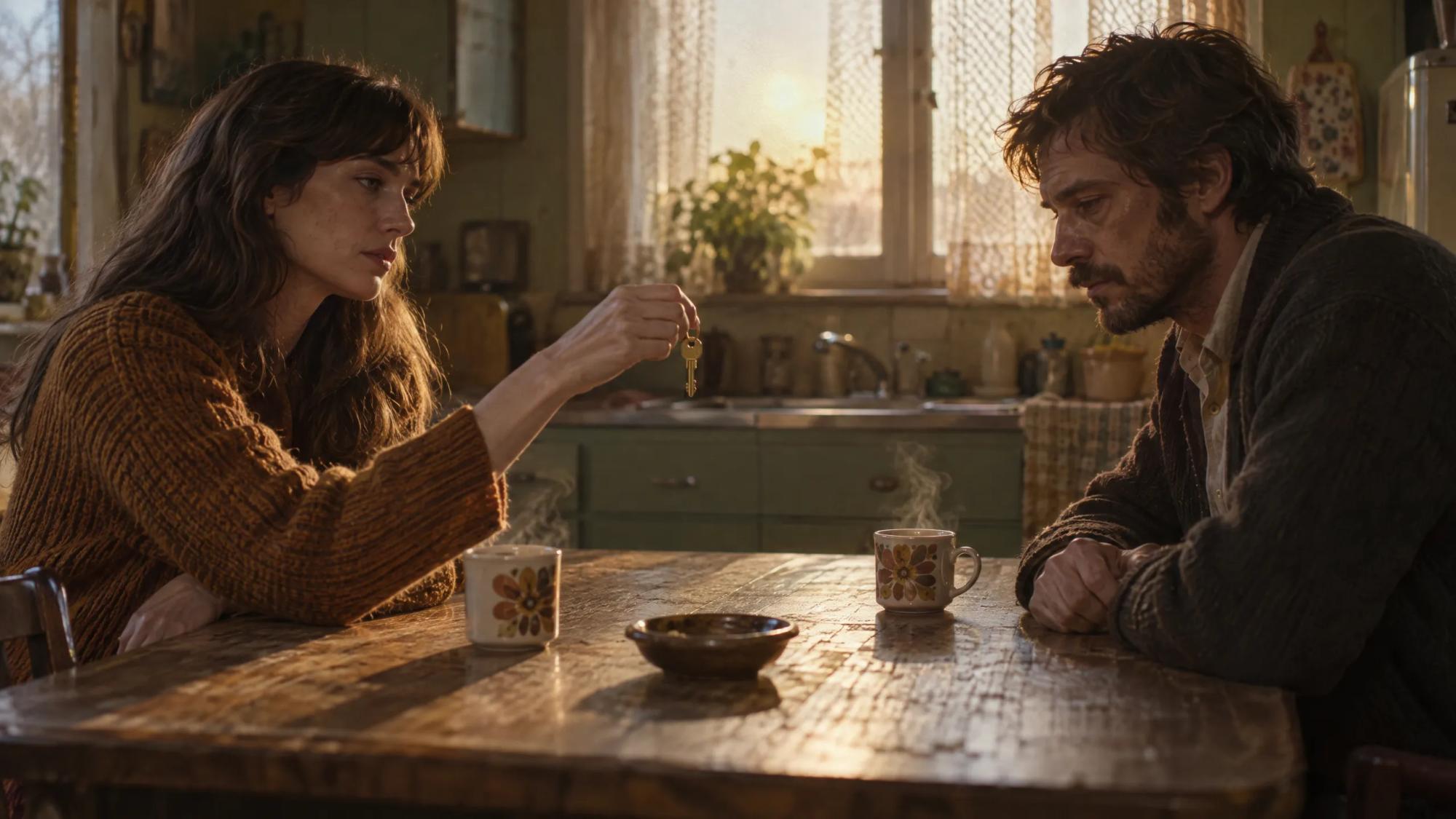
For filmmakers and studios
AI movie maker that turns a script into a movie, scene by scene
An AI movie maker generates a film from text rather than a camera. In Induce AI, Story mode takes a script or a brief, breaks it into scenes and a shot list, saves the characters, locations and props as shared elements, generates each clip, reviews the takes and assembles a cut you can download.
Generates withKlingVeoSeedanceNano Banana
How it works
How to make a movie with AI from a script
Start from the script
Upload a PDF, Final Draft, Fountain, Celtx, Word or text file up to 25 MB, or type a brief and let Story mode write the script with you.
Plan scenes and shots
The project is organised into scenes, each with its clips and a shot list. Review the coverage before anything is rendered.
Cast, locations and props
Characters, locations and props are saved as elements and shared by every shot, so the film keeps one cast and one world.
Generate and review takes
Each shot gets a still, then a video clip. Takes are reviewed and given a short verdict. Compare takes side by side, re-film a shot or extend it.
Assemble the cut
Story mode assembles the clips into a cut. Download the cut or individual clips and finish the edit and sound in your own tools.
What you get
Movies you can make with AI

Short films
A complete story across a handful of scenes, with a consistent cast.
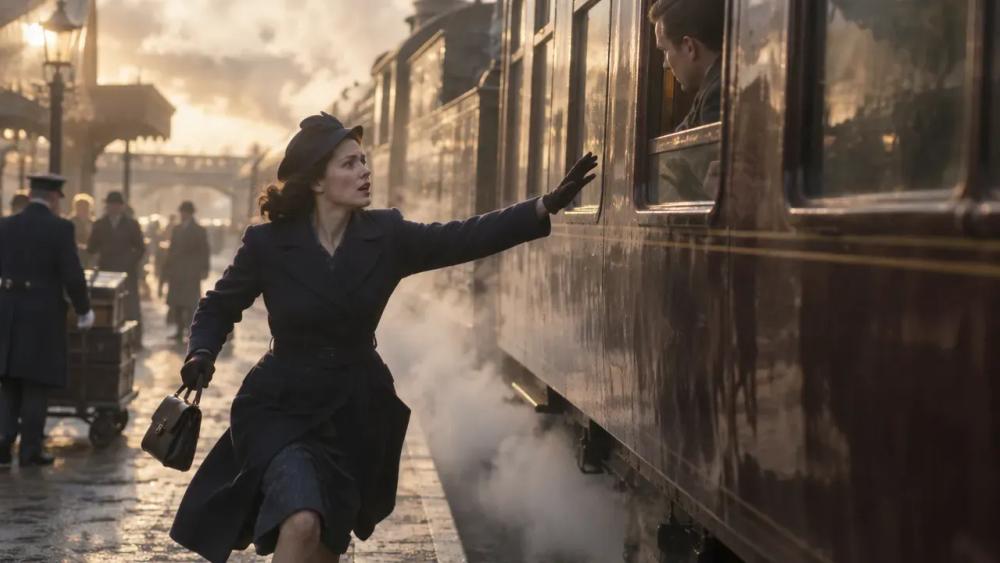
Proof-of-concept scenes
The key sequence of a feature, made to show how the whole film will play.
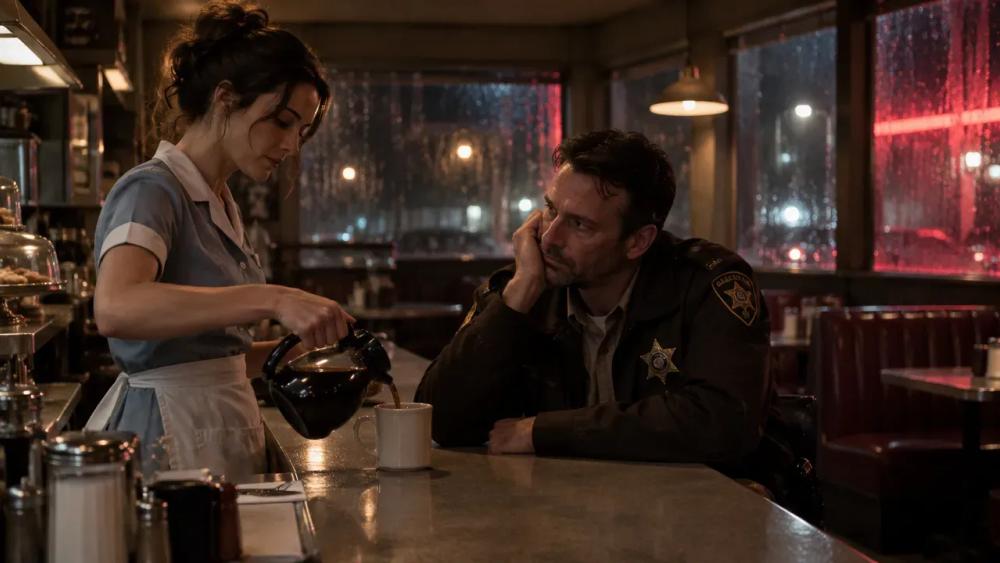
Episodic pilots
Recurring characters and locations held across the scenes of a first episode.
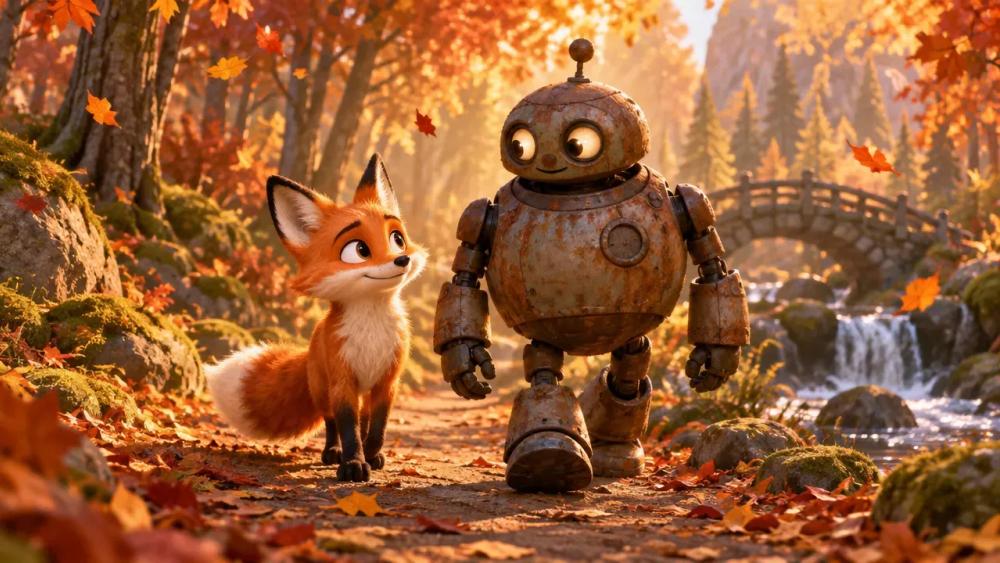
Animated stories
Stylised worlds where the look has to hold from the first frame to the last.

Branded films
Narrative pieces for a campaign, from a brief to an edited film.

Previs for live action
A generated version of a sequence to plan the shoot against.
Why Induce AI
Why make your AI film in Induce AI
It works on the scene, not the clip
A video generator makes one clip from one prompt. Story mode plans the whole scene, so each shot knows what came before it.
One cast, every shot
Shared elements keep characters, wardrobe and props consistent, and every take is reviewed before the next shot depends on it.
You direct it
You approve the shot list, choose between takes and call the re-films. A rejected take only goes into the cut if you accept it.
Is it for you?
Made for you if…
- You have a script and the film runs to many connected shots.
- Characters, wardrobe and props must stay consistent from scene to scene.
- You want to review the film as a cut, not as a folder of clips.
- Questions
AI Movie Maker,
answered.
AI can generate every shot of a film, but a person still writes it, directs it and decides what stays. Longer pieces are made scene by scene, so start with one scene.
Upload the script to Story mode, review the scenes and shot list, save your characters and locations, generate each shot, then download the assembled cut.
In Induce AI, characters, locations and props are saved as elements that every shot draws on, and each take is reviewed before you build on it.
Induce AI runs on credits rather than a free tier. Plans are listed on the pricing page.
Yes. Story mode generates in 16:9 or 9:16.
Inside Induce AI you can compare takes, re-film and extend shots. For trimming, reordering, music and the final mix, download the clips or the cut and finish in your editor.
Up next
- Use caseAI Corporate VideoScenario, training and brand films from a script.→
- Use caseAI Music Video GeneratorA treatment planned and generated section by section.→
- Use caseAI ReshootRelight, re-angle and extend a shot you already have.→
- ProductAI video continuityHow characters, wardrobe and props stay consistent between shots.→
- GuidePilot checklistHow to test an AI video workflow on one real scene.→
- PlansPricingPlans for creators, studios and enterprise teams.→