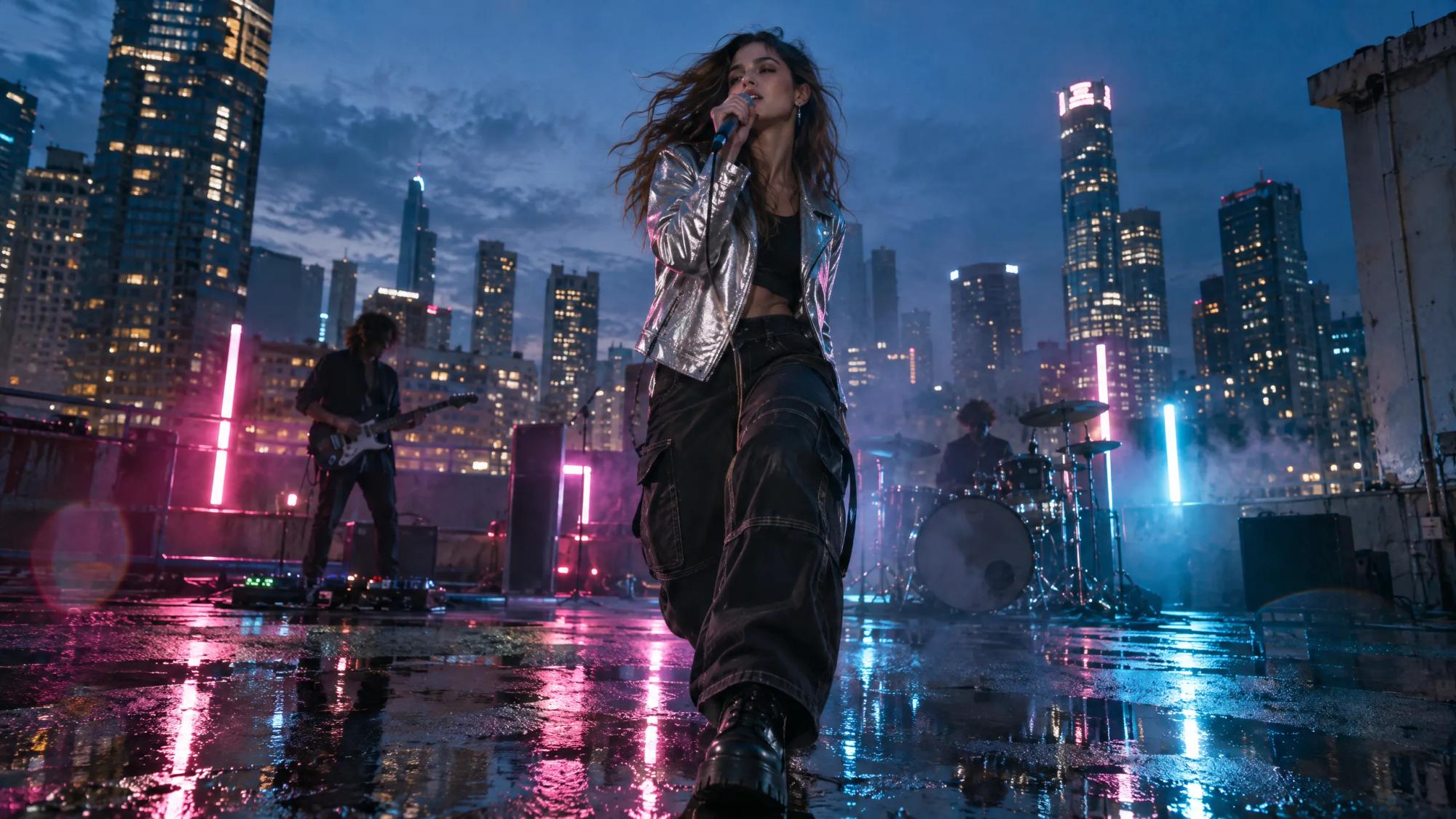
For artists, labels and directors
AI music video generator that follows a treatment, not a prompt
An AI music video generator creates the visuals for a song from text. In Induce AI you write the treatment as scenes, one per section of the track, and Story mode turns it into a shot list with the artist and the world saved as shared elements. Each shot is generated and assembled, and you cut the picture to the track in your editor.
Generates withKlingVeoSeedanceNano Banana
How it works
How to make a music video with AI
Write the treatment by section
Map the song first: intro, verse, pre-chorus, chorus, bridge, outro. Write what the viewer sees in each as a short scene, or type the idea as a brief.
Review the shot list
Story mode breaks each section into shots. Give the chorus its own visual idea and check that the verses move the story forward.
Set the artist and the world
Save the performer, the locations and any recurring object as elements, with reference photos if you have them. Every shot draws on them.
Generate, review and re-film
Shots are rendered as stills, then clips, in 16:9 or vertical 9:16. Each take is reviewed; re-film or extend the ones that are not right.
Cut to the track
Download the clips or the assembled cut and edit them to the final master in your own editor, so the cuts land on the beat.
What you get
Music videos you can make with AI
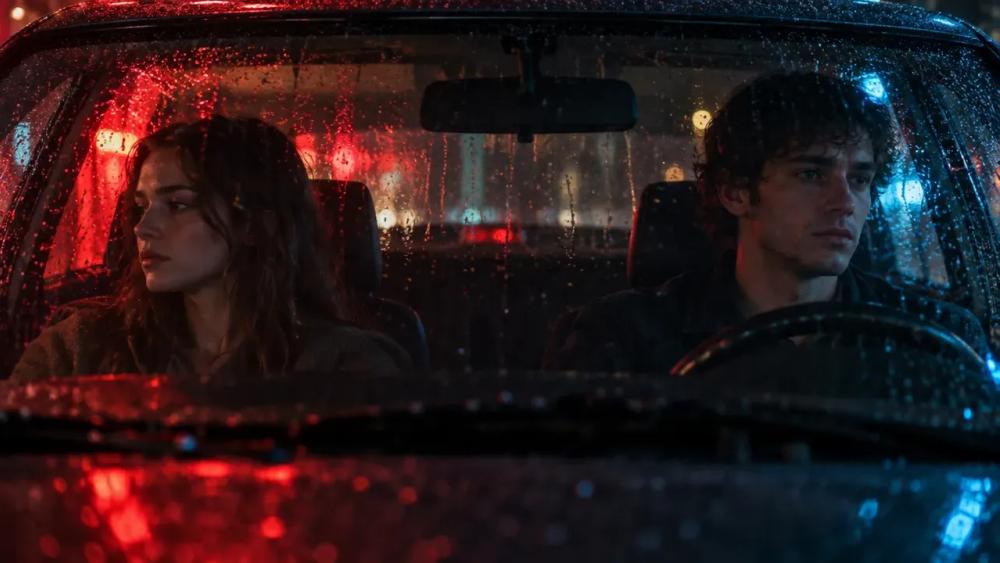
Narrative videos
A story told across the song, with characters who stay the same from verse to verse.
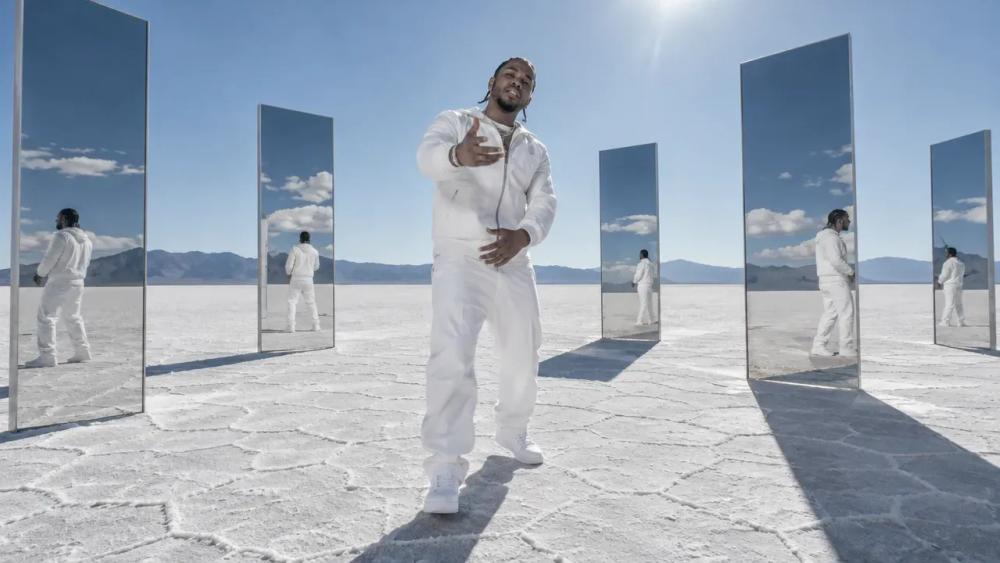
Performance and world
A performer placed in a designed world that holds its look throughout.

Visualisers
Evolving imagery for a release, built from one visual idea.
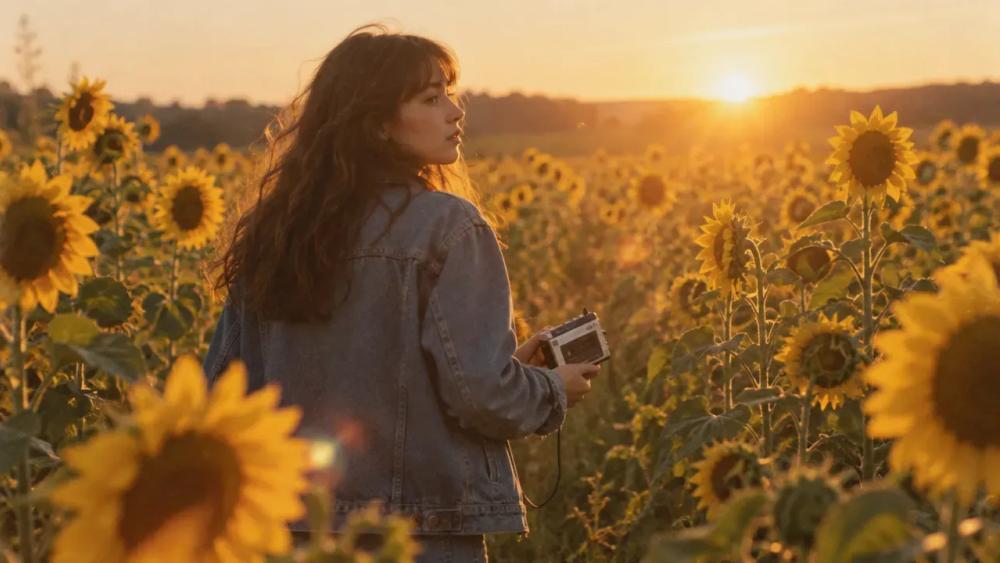
Lyric-led sequences
Scenes written from the lines of the song, section by section.
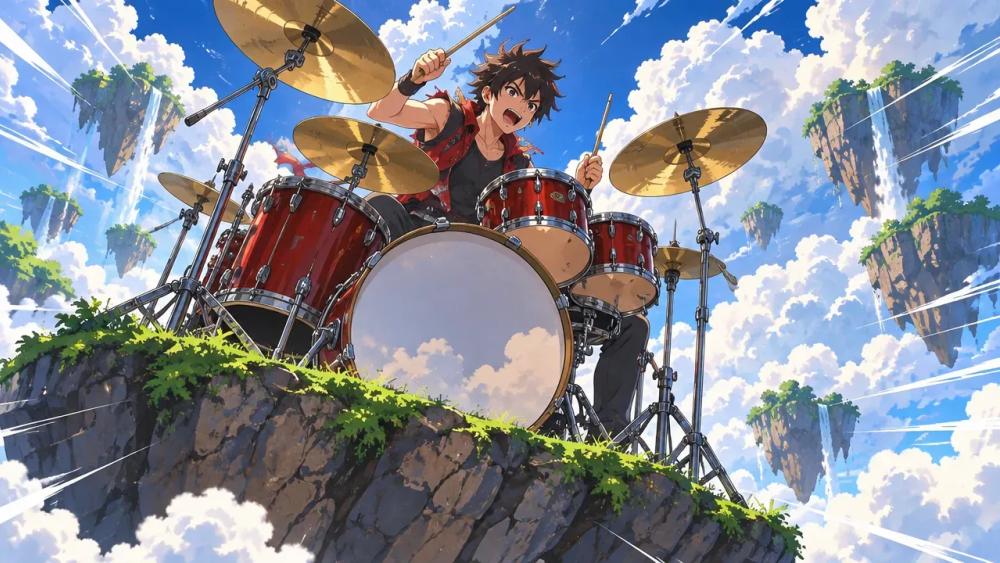
Animated videos
A stylised look carried across every shot.

Teasers for a release
Short vertical cuts for social, drawn from the same project.
Why Induce AI
Why use Induce AI as your AI music video maker
The artist stays the artist
A saved character element keeps the performer recognisable across every section, instead of a new face in every clip.
A plan you can show the label
The treatment becomes a shot list before anything is rendered, so the idea can be reviewed and approved early.
Fix one shot, keep the rest
Compare takes, re-film a single shot or extend it without regenerating the whole video.
Is it for you?
Made for you if…
- You have a concept or treatment and want it planned section by section.
- The same performer or characters appear throughout.
- You want every section of the song to have its own planned shots.
- Questions
AI Music Video Generator,
answered.
Yes. AI can generate the shots for a music video from a written treatment. A person still writes the idea, approves the plan and cuts the picture to the song.
Yes, by building the video around the song’s structure. Write the treatment section by section, intro, verse, chorus, bridge, and Induce AI plans and generates the shots for each part. Then cut them to the master track in your editor.
Save the performer as a character element and it is used for every shot they appear in.
Yes. Story mode generates in 9:16 as well as 16:9.
Induce AI runs on credits rather than a free tier. Plans are on the pricing page.
The song stays with whoever holds its rights, so use music you are cleared to use. Induce AI generates the picture that goes with it.
Up next
- Use caseAI Corporate VideoScenario, training and brand films from a script.→
- Use caseAI Movie MakerA script planned, generated and assembled into a cut.→
- Use caseAI ReshootRelight, re-angle and extend a shot you already have.→
- ProductAI shot controlSet framing and movement per shot, then review the take in the scene.→
- GuidePilot checklistHow to test an AI video workflow on one real scene.→
- PlansPricingPlans for creators, studios and enterprise teams.→