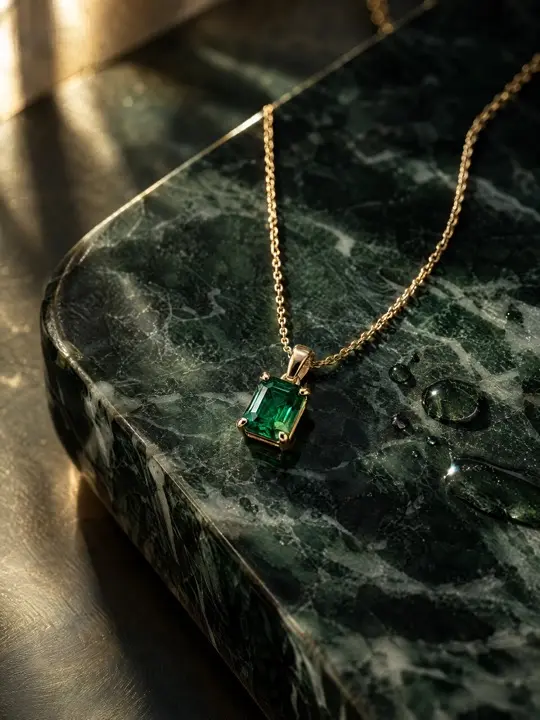
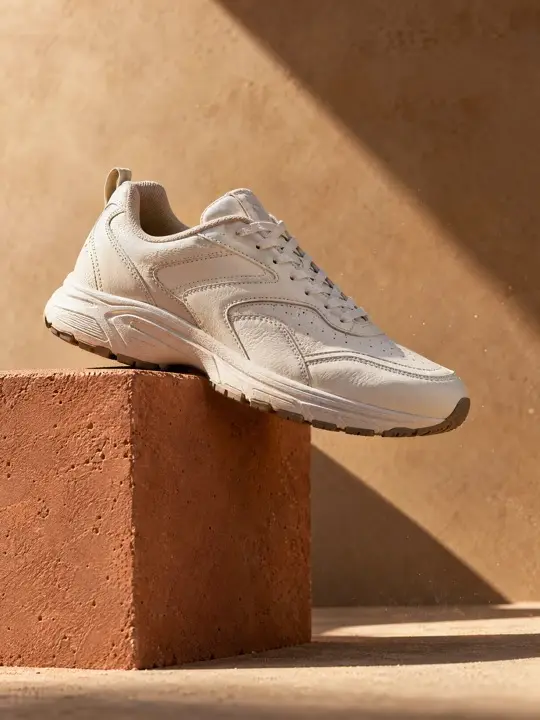
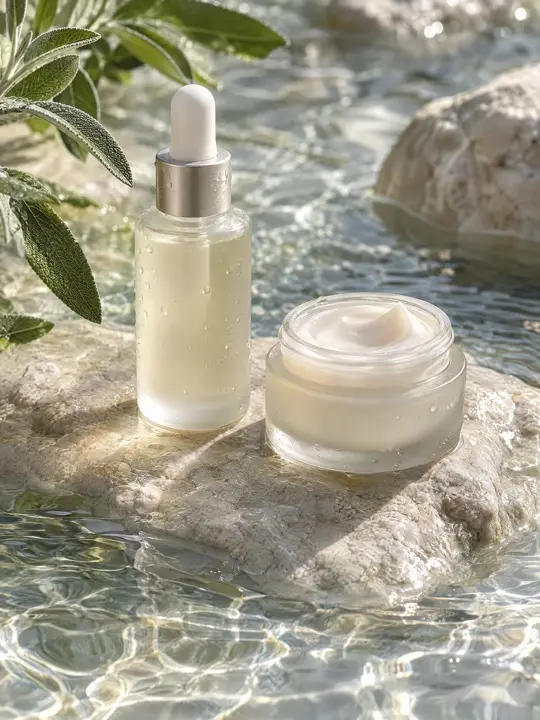
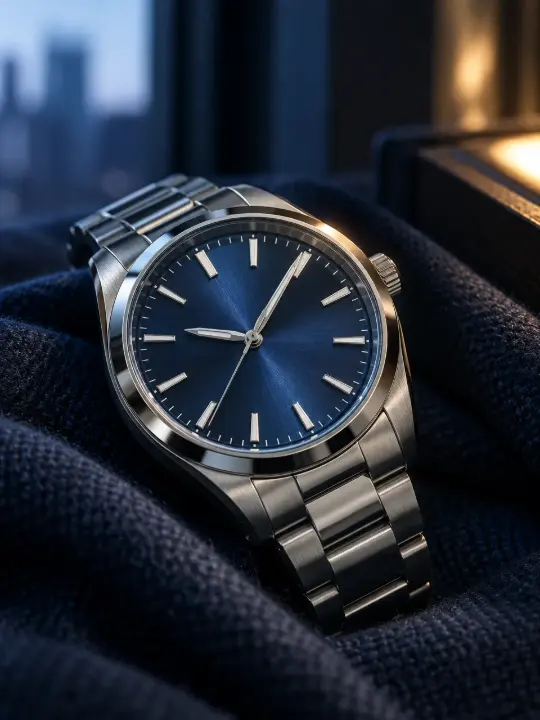
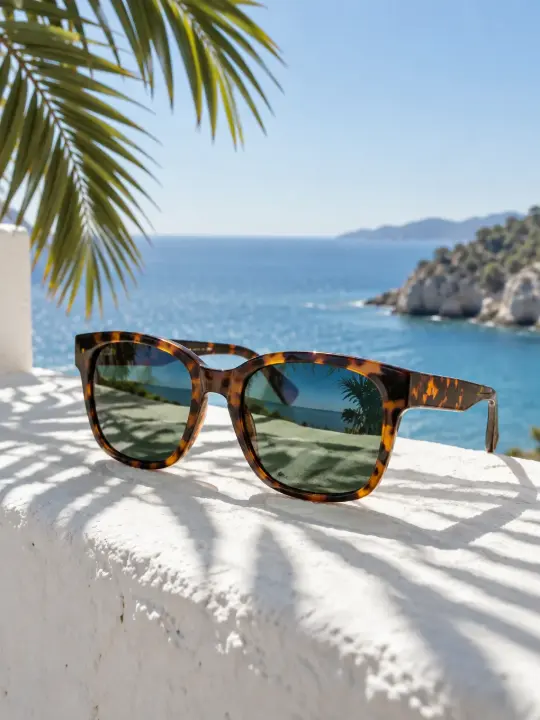
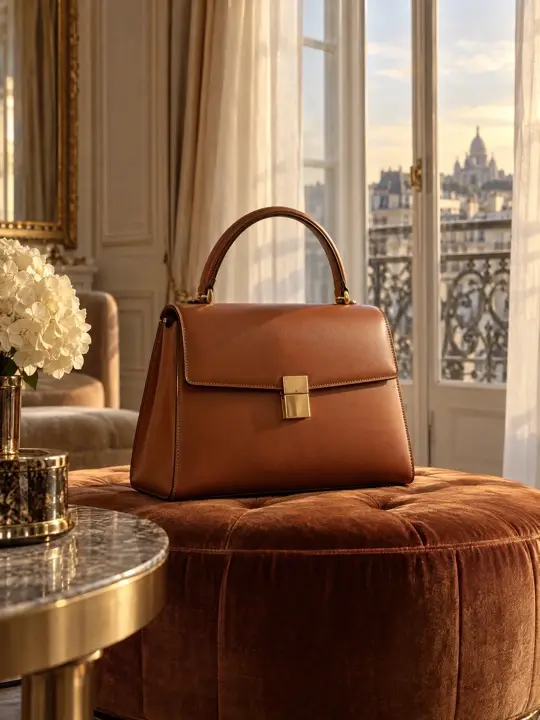
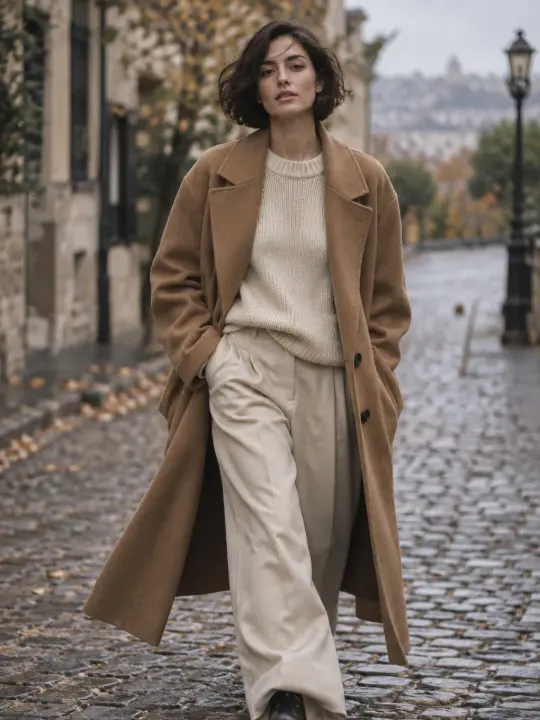
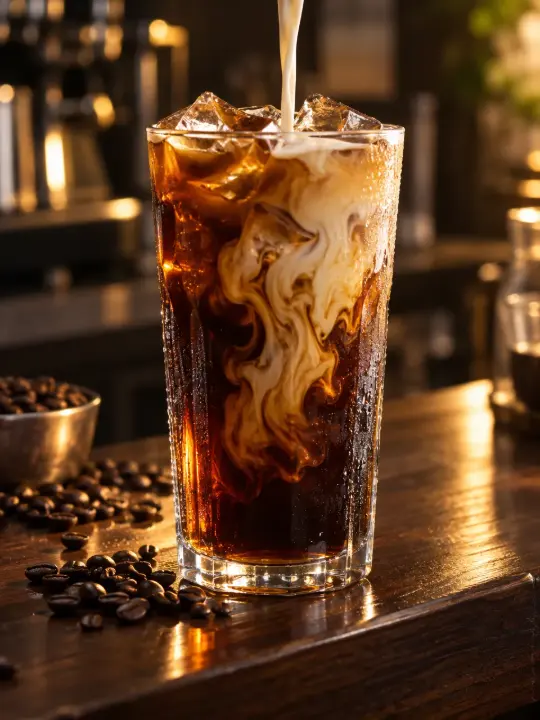
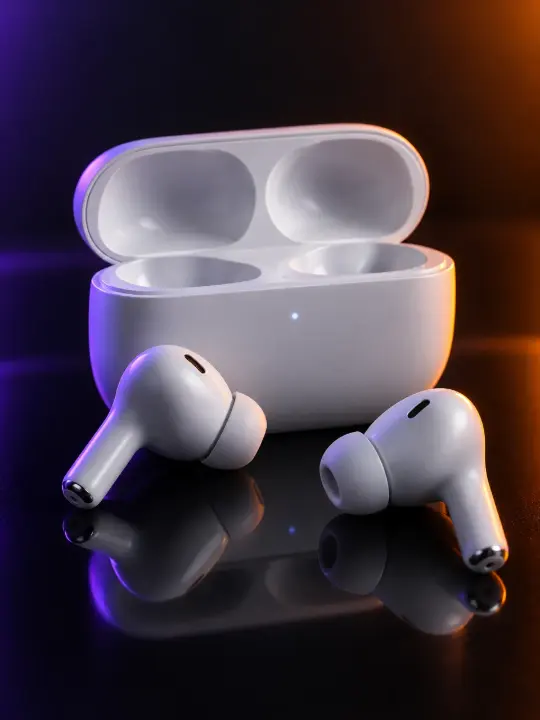
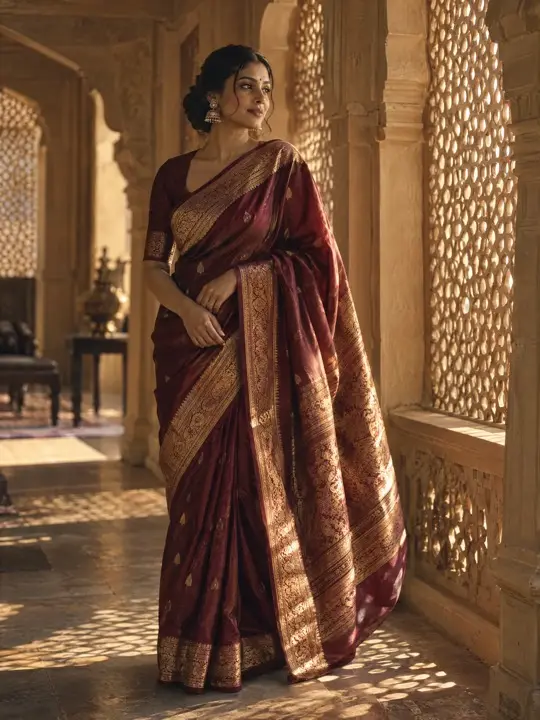
Every product category has its own problems in front of a camera. Metal reflects, glass disappears, fabric creases and screens glare. These guides cover the shot list each category needs for a store or an ad, the formats each placement uses, and the details you must check before you publish. Each one also shows how to make the photos in Flash Shoot, Induce AI's product photography tool: upload 1 to 8 photos of your product, choose a model option, set the background and light, and generate stills and short videos.
AI product photography means generating product images and videos from photos of the real item, instead of staging a full studio shoot. You supply reference photos, choose the setting, light and whether a model wears or holds the product, and the tool generates the shots. The result still needs checking against the real product before it goes on sale.
You need 1 to 8 clear photos of the same product, each at least 512 px on the shortest side, in PNG, JPG, WebP or HEIC. Include the front, the back or side, and close-ups of logos, labels and any detail a buyer would look for. Plain, even light in your own photos helps the output keep colours right.
It can replace much of the routine work, such as packshots, lifestyle scenes and on-model shots for ads and listings. It is weaker where exact detail matters, such as small printed text, engraving, or colour that must match a grade or a swatch. For those, keep a real photo or check every AI image against the item.
No. Induce AI is credits-based and has no free tier. Flash Shoot shows an estimated credit total for the shoot before you generate anything.
Often yes, but each marketplace sets its own image rules, and they change. Many ask for a plain white background on the main image and an image that shows the actual product being sold. Read the current rules for your marketplace and category, and make sure every image matches the real item.