Food & beverage
AI product photography for food and beverage brands
To make food and drink product photos with AI, upload 1 to 8 photos of the pack, can or bottle to Flash Shoot in Induce AI, with the front label clear. Choose a setting, such as a kitchen table or a picnic, set the light, and generate stills and short videos. Check the label, pack colour and any food shown against the real product before you publish.
- Input
- 1 to 8 product photos (PNG, JPG, WebP or HEIC)
- Outputs
- Still images and short videos
- Formats
- Stills 3:4 by default; video 9:16, 1:1 or 16:9
- Model
- None, stock, your own photo, or described
Freshness, steam and condensation
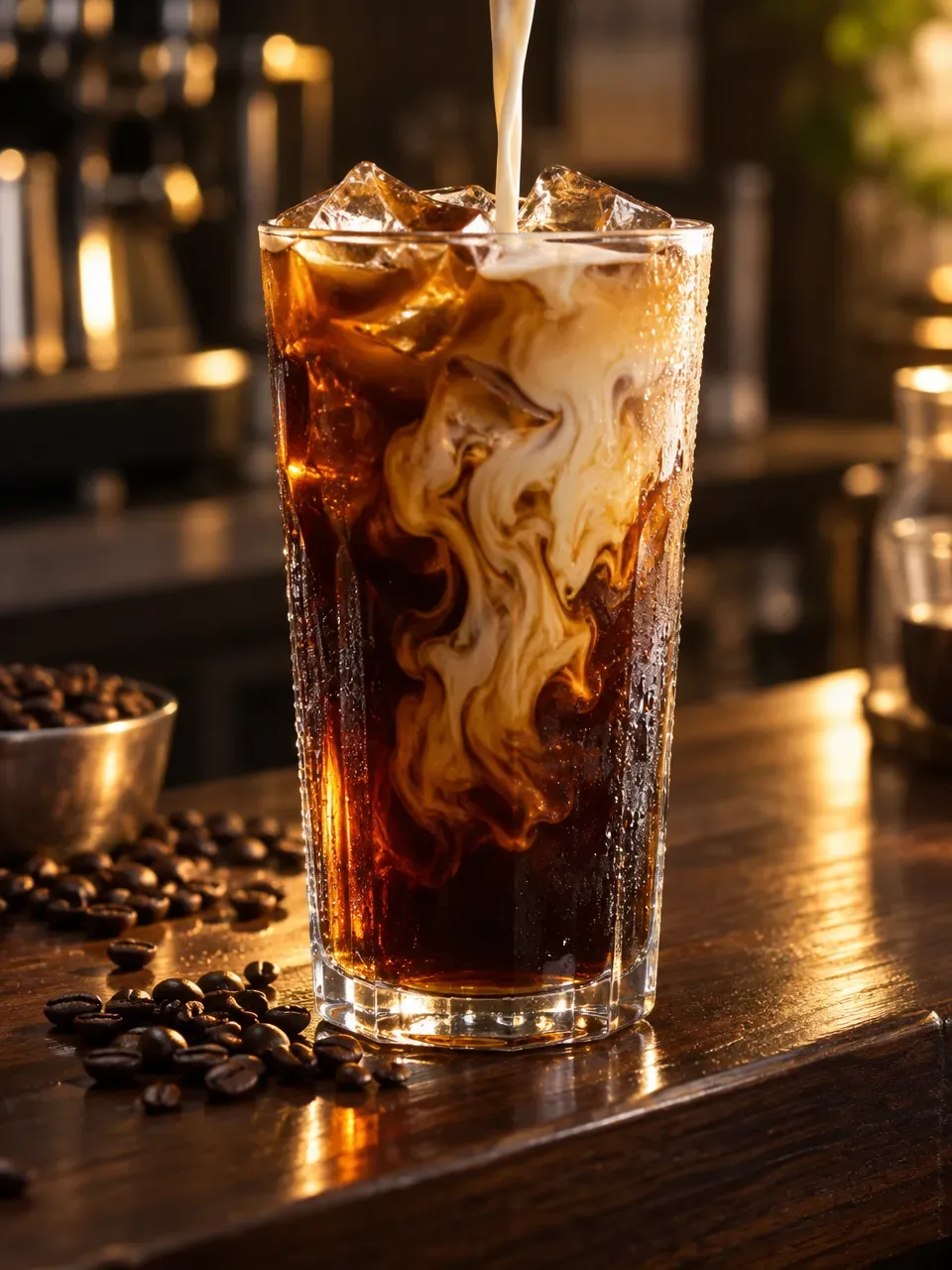
Food photography is a race against time. Hot food stops steaming within minutes, ice melts, salad wilts and sauces skin over. Food stylists use tricks to buy time, and drink photographers often use fake ice and sprayed glycerine to create condensation that lasts.
Drinks have their own challenges. Cans and bottles reflect, glass needs light behind it to show the colour of the drink, and condensation must look natural rather than sprayed on. Packaged food has labels that must be readable and pack colours that must match the shelf. Appetite appeal depends on warm, directional light that shows texture, such as the crust on bread or the gloss on a sauce. Flat light makes food look grey and stale.
The shot list for a food or drink brand
Food and drink pages usually show the pack, what is inside, and the moment of eating or drinking. Keep props simple, so the pack stays the first thing a buyer sees.
- Front packshot on a plain background.
- Back of pack with nutrition and ingredients, photographed for real.
- Serving suggestion: the food plated, or the drink poured.
- Ingredients flat lay around the pack.
- Cold drink with condensation, on ice or in a hand.
- Lifestyle scene: a table, a picnic, a party.
- A short pouring or opening video for social.
Formats and placements
Grocery marketplaces often ask for the main image on plain white, showing the pack as sold. Check the current rules for each marketplace, as food categories often carry extra requirements about labels and what can be shown.
Food performs well on social. A 3:4 still suits feed posts, a 9:16 video of a pour, a fizz or a pack opening suits Reels and Shorts, and 16:9 suits banners. Flash Shoot makes 3:4 stills by default and videos in 9:16, 1:1 or 16:9. For a launch ad with a voice-over and captions, Flash Films builds a short product film from your brief and a storyboard you approve.
Honest limits for food images
Food images must not promise more than the pack holds. A serving suggestion should look like what a buyer can make from the product, and many countries have labelling and advertising rules about this. Mark serving suggestions as such where your rules require it.
Flash Shoot works from photos of your product, so it suits packaged food and drinks. It is not a way to photograph a dish you have not made: generated food is an illustration, not your recipe. Check the label text letter by letter, the pack colour, the drink colour and the portion shown. Use a real photo for the nutrition panel and ingredient list.
Food and drink photo problems and fixes
| Problem | Why it happens | How to avoid it |
|---|---|---|
| Food looks grey or stale | Flat, cool light hides texture | Choose warm, directional light from the side or behind |
| Drink colour is wrong | Liquid needs light behind it to show colour | Pick backlighting and compare with a poured sample |
| Condensation looks fake | Droplets are too even or too large | Reject outputs with uniform droplets and compare with a real chilled can |
| Label text altered | Small print is hard to redraw | Read every word; use a real photo for the back of pack |
| Serving looks bigger than the pack | The scene is styled, not measured | Check portion size against what the pack contains |
How to do it in Induce AI
Upload the pack
Add 1 to 8 photos of the pack, can or bottle: front label square on, sides, and the product out of the pack if relevant.
Choose the model option
Pick no model for packshots and flat lays, or a stock, uploaded or described model for in-hand and drinking shots.
Set background and light
Choose a plain background for listings or a kitchen, table or outdoor setting for ads, and warm directional light.
Generate stills and videos
Generate 3:4 stills and a 9:16 pour or opening video. Use Flash Films for a short launch ad with voice-over.
Review and download
Check label, pack colour, drink colour and portion against the real product, then download.