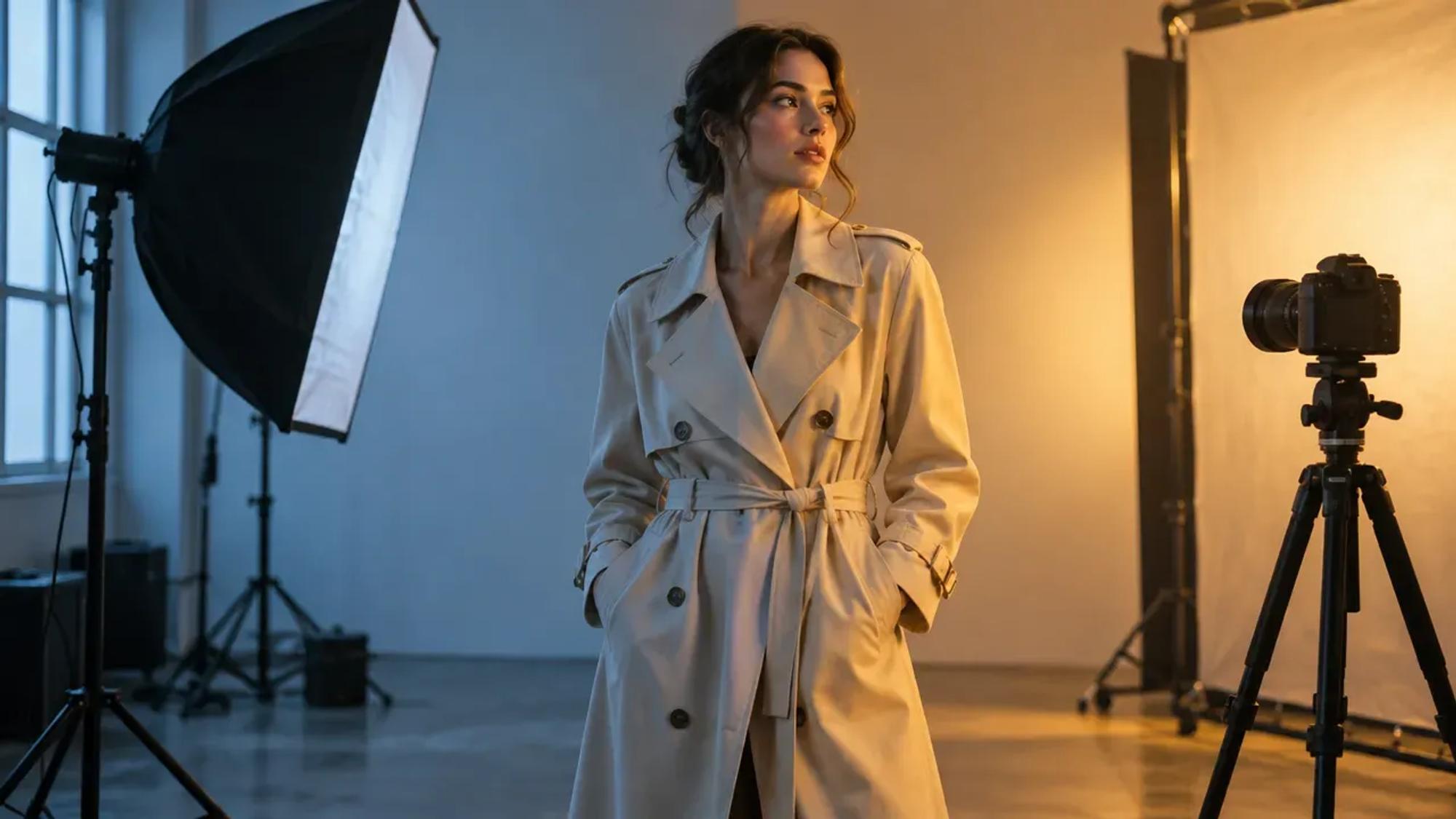
For photographers, brands and editors
AI reshoot: relight, change the angle and extend a shot you already have
An AI reshoot changes a photo after the shoot instead of sending the crew back. In Induce AI, Reshoot opens any image you generated or uploaded and lets you relight it, change the camera angle, outpaint it to a new aspect ratio, erase or redraw parts of it and upscale the result.
Generates withKlingVeoSeedanceNano Banana
How it works
How to reshoot a photo with AI
Open the shot in Reshoot
Pick an image from your project, or use Add media to upload your own photo.
Choose what to change
The tools are Redraw, Erase, Crop, Outpaint, Relight, Change angle, Adjust and Upscale. Free edits such as crop are separate from AI edits, which use credits.
Start from a preset
Lighting presets include Golden hour, Overcast soften, Rim separation and Studio key. Framing presets include Three-quarter left and right and Hero low angle.
Reframe for every channel
Outpaint the same shot to Cinematic 21:9, Vertical 9:16, Square 1:1 or Tight 4:5, so one photo covers a banner, a story and a feed post.
Regenerate, compare and download
Regenerate until the result is right, then download it or send it on to Studio or Story as a reference.
What you get
What you can fix with an AI reshoot
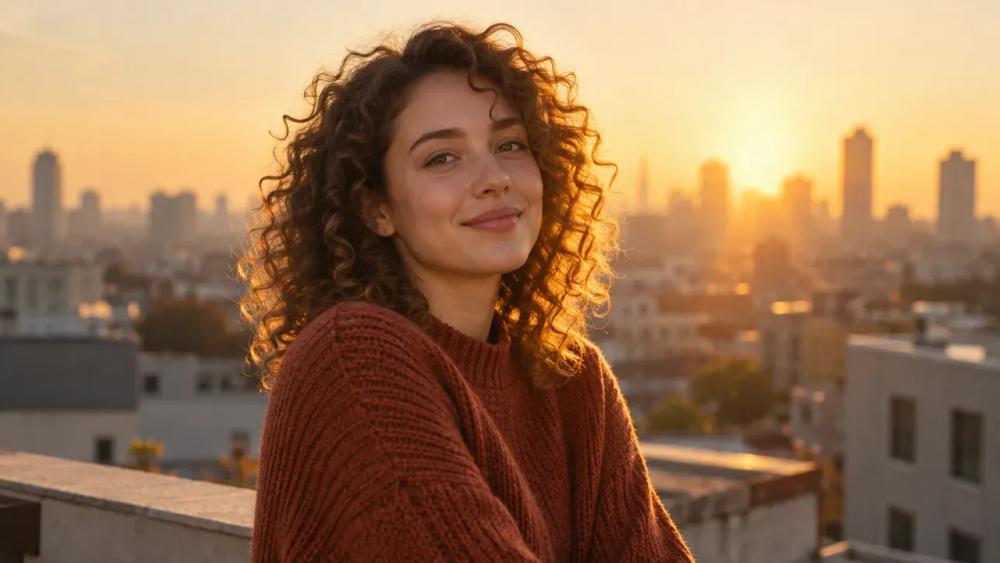
Relight a portrait
Move the shot to golden hour, soften harsh sun or add a rim light without re-booking the talent.
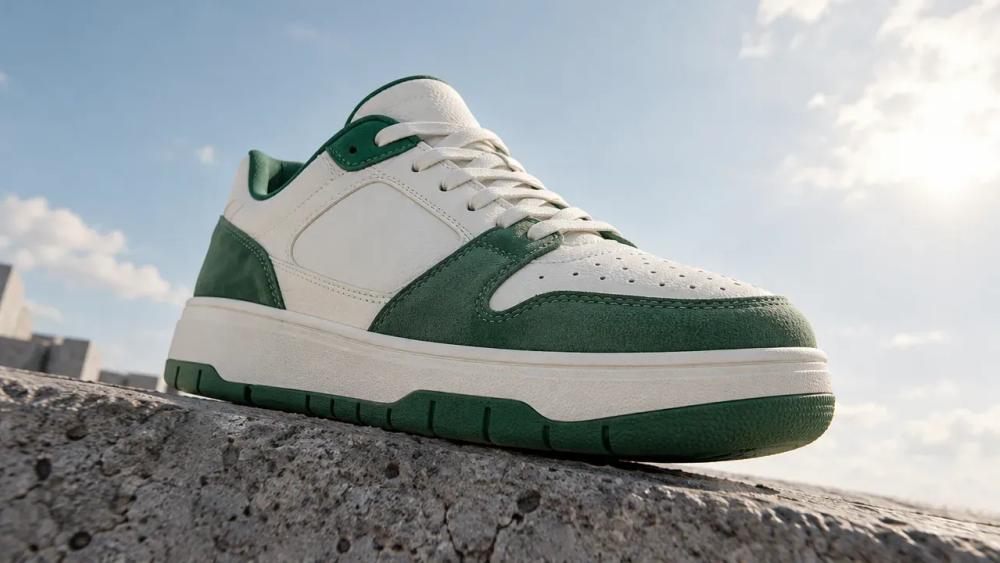
Change the camera angle
Turn a flat product shot into a hero low angle or a three-quarter view.
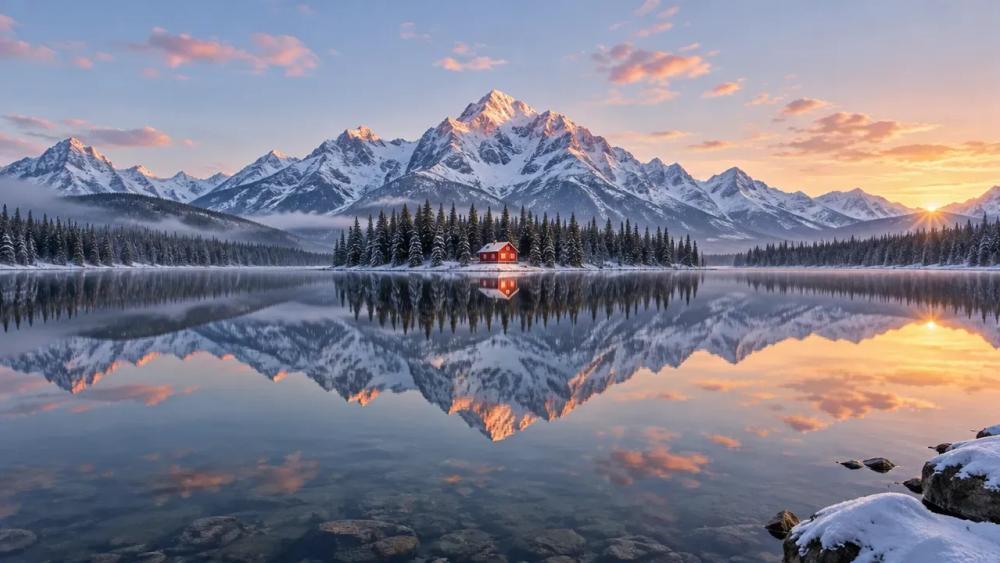
Outpaint to a wider frame
Extend a tight shot to cinematic 21:9 or any other aspect ratio.
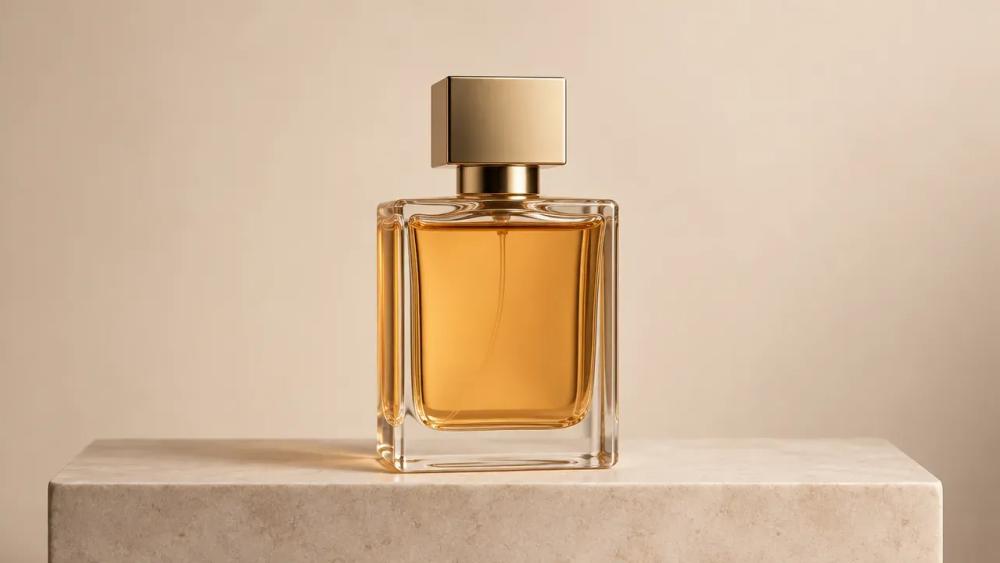
Clean plates
Erase stray objects and distractions to leave a clean background.
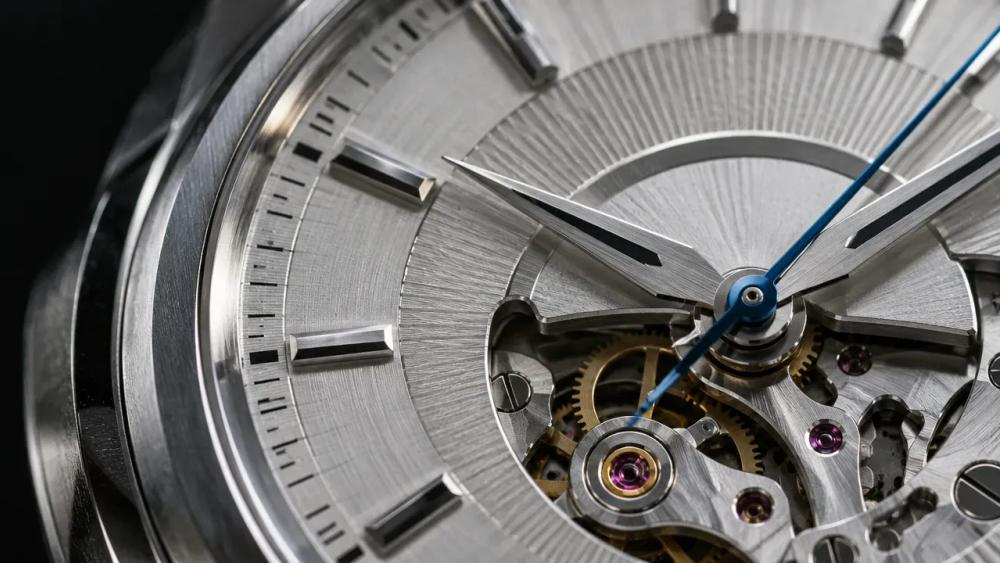
Upscale for print
Bring a small image up in resolution and finish it in 4K.
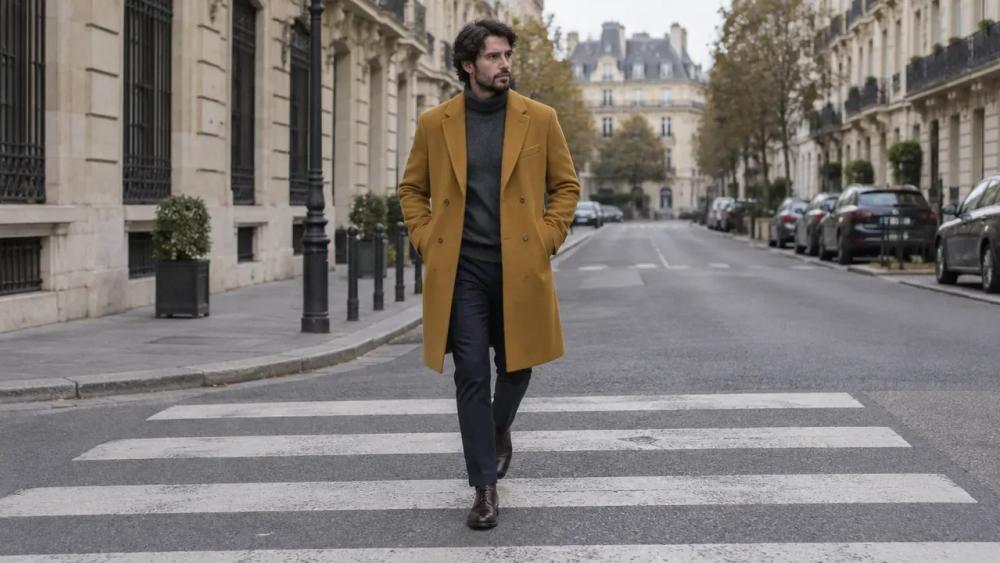
One shot, every format
Reframe the same image for vertical, square and wide placements.
Why Induce AI
Why reshoot in Induce AI
It keeps the shot you chose
Reshoot edits the image you already approved, so the subject, product and composition stay yours while the light, angle or frame changes.
Presets a photographer would name
Golden hour, studio key, rim separation, hero low angle: the starting points are lighting and framing terms, not prompt recipes.
Part of the same project
A reshot image sits beside your stills and clips, and can be used as a reference for the next generation.
Is it for you?
Made for you if…
- The shot is right but the light, angle or crop is not.
- You need the same image in several aspect ratios.
- A product or portrait needs a cleaner background or more resolution.
- Questions
AI Reshoot,
answered.
It is changing a finished photo with AI rather than shooting it again: new lighting, a different camera angle, a wider frame or a cleaner background, starting from the image you already have.
Yes. Relight in Induce AI re-lights an existing image, with presets such as Golden hour, Overcast soften, Rim separation and Studio key.
Yes, within limits. Change angle can move a shot to a three-quarter view or a low hero angle. The further the move, the more the model has to invent, so check details after a big change.
Yes. Use Add media in Reshoot to upload an image, then edit it like any generated shot.
Use Outpaint with the Vertical 9:16 or Cinematic 21:9 preset. The frame is extended around the original image instead of cutting into it.
Simple edits such as crop are free. AI edits such as relight, change angle, outpaint and upscale use credits.
Up next
- Use caseAI Corporate VideoScenario, training and brand films from a script.→
- Use caseAI Movie MakerA script planned, generated and assembled into a cut.→
- Use caseAI Music Video GeneratorA treatment planned and generated section by section.→
- ProductAI shot controlSet framing and movement per shot, then review the take in the scene.→
- GuidePilot checklistHow to test an AI video workflow on one real scene.→
- PlansPricingPlans for creators, studios and enterprise teams.→