Eyewear & sunglasses
AI eyewear photography for glasses and sunglasses
To make eyewear product photos with AI, upload 1 to 8 photos of the frame to Flash Shoot in Induce AI: front, side and three-quarter views. Choose whether a model wears the glasses, set the background and light, and generate stills and short videos. Check the frame shape, hinges, logo and lens tint against the real pair before you publish.
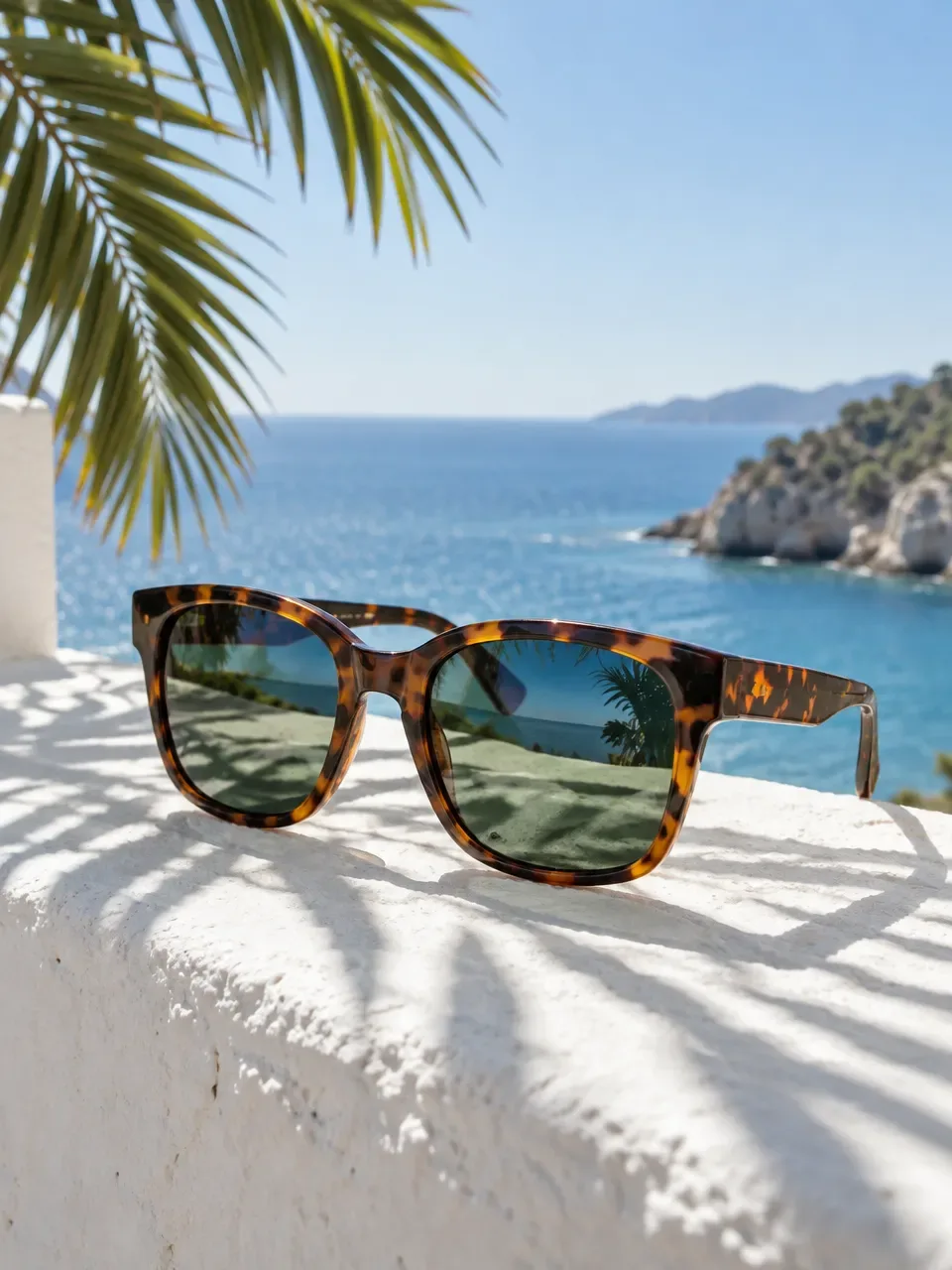
- Input
- 1 to 8 product photos (PNG, JPG, WebP or HEIC)
- Outputs
- Still images and short videos
- Formats
- Stills 3:4 by default; video 9:16, 1:1 or 16:9
- Model
- None, stock, your own photo, or described
Lenses, glare and symmetry
Eyewear is mostly made of things that reflect or let light through. Clear lenses pick up the light source as a bright streak, and the background shows through them. Tinted and mirrored sunglass lenses reflect the whole room. Photographers fight glare by angling the frame, moving lights to the side and sometimes shooting frames with the lenses removed.
Frames also need perfect symmetry. A slight tilt makes one lens look bigger, and buyers notice. Acetate frames have patterns, such as tortoiseshell, that are unique to each colourway and should look the same in every shot. Thin metal frames can almost vanish against a busy background. Hinges, temple tips and nose pads are small but are the details buyers check for build quality.
The shot list for glasses and sunglasses
Eyewear shoppers want to see the frame on its own and on a face. Keep the frame at eye level and level with the camera for the main shots, so both lenses look the same size.
- Front view, frame level, on a plain background.
- Three-quarter view showing the depth of the frame.
- Side profile showing the temple arm.
- Folded view, as the frame sits on a table.
- Hinge and temple detail.
- On-face front and three-quarter views to show fit and size.
- Lifestyle shots outdoors for sunglasses.
Formats and placements
Many marketplaces ask for the main image on a plain white background showing only the frame. Check the current rules for your marketplace and category.
On-face images carry most of the weight in ads, because buyers want to picture the frame on themselves. A 3:4 portrait still frames a face well for feed posts, and a 9:16 video of a model turning their head or walking in sunlight suits Reels and Shorts. Use 16:9 for banners. Flash Shoot makes 3:4 stills by default and videos in 9:16, 1:1 or 16:9.
What to check
Check that the frame shape, bridge and lens outline match the real frame. Look at the hinges and temple arms, which AI can simplify. Check the logo on the temple and any lens etching letter by letter. Compare the acetate pattern and the lens tint in neutral light, as tints shift easily.
On on-face shots, check that the frame looks the right width for the face and sits at a believable height on the nose. These are illustrations of the frame on a model, not a virtual try-on, so do not present them as showing how the frame will fit a particular customer. Upload a clean front-on reference with even light so the frame outline is clear.
Eyewear shot list with placements
| Shot | What it shows | Best format |
|---|---|---|
| Front view | Frame shape and lens outline | Main listing image on white |
| Three-quarter view | Depth and temple join | Listing gallery |
| Side profile | Temple arm and logo | Listing gallery |
| Hinge detail | Build quality | Listing gallery |
| On-face front | Fit and width on a face | 3:4 feed post, listing gallery |
| Outdoor on-face video | How sunglasses look in use | 9:16 video for Reels and Shorts |
How to do it in Induce AI
Upload the frame
Add 1 to 8 photos: front, three-quarter, side and folded, with the frame level and lenses clean.
Choose the model option
Pick no model for packshots, or a stock model, your own model photo or a described model for on-face shots.
Set background and light
Choose a plain background for listings or an outdoor setting for sunglasses, and side light to keep glare off the lenses.
Generate stills and videos
Generate 3:4 stills and a 9:16 video for Reels and Shorts, with up to 4 variants per output.
Review and download
Check frame shape, hinges, logo, pattern and lens tint against the real pair, then download.