AI filmmaking8 min read
How to Make an AI Commercial: From Brief to Final Cut
A working method for AI commercials: the brief, a timed script, a shot list, product references, client review rounds and the delivery handoff.
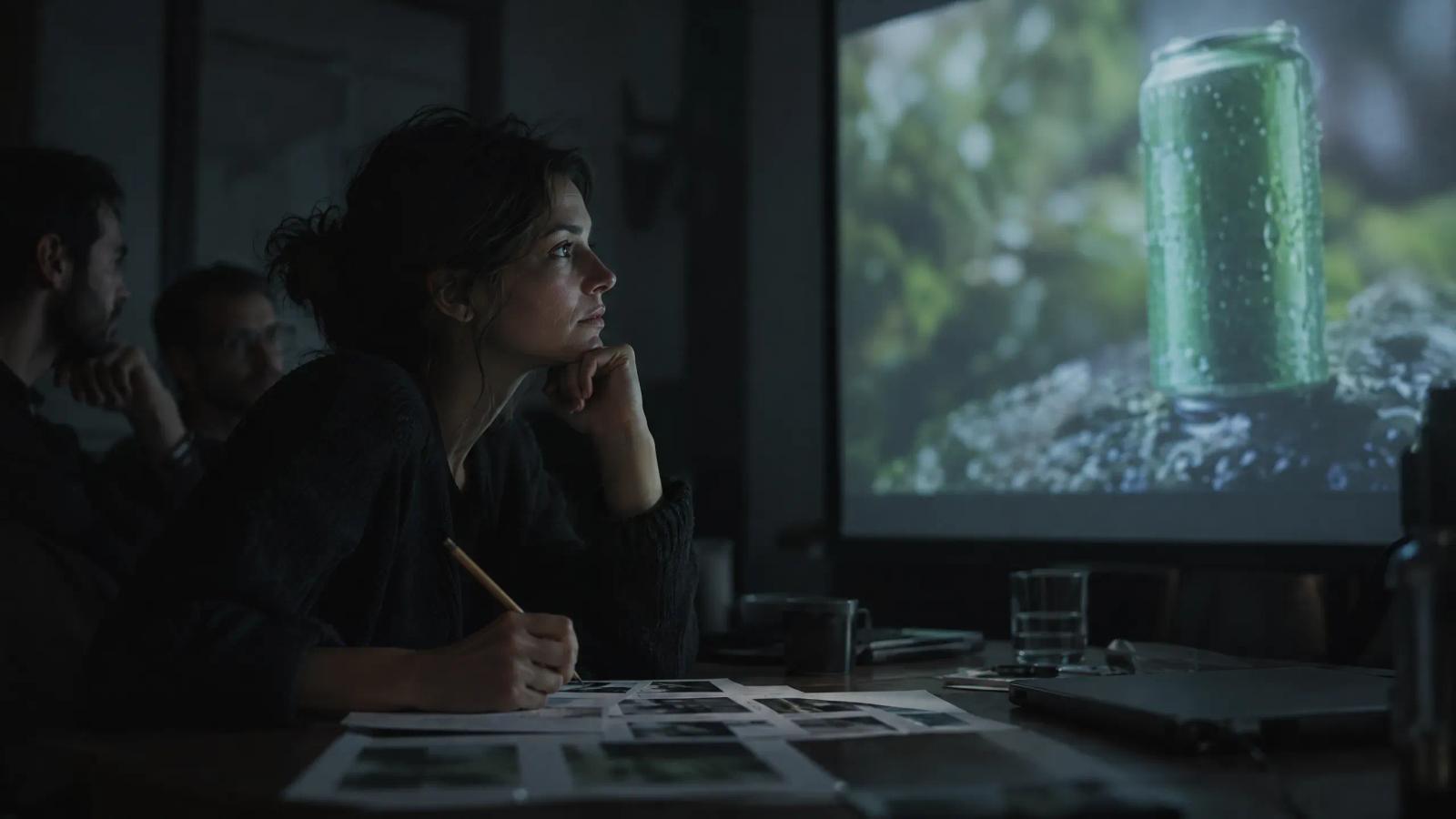
To make an AI commercial, write a one-page brief, turn it into a timed script, break the script into a shot list, lock reference images for the product and any recurring cast, then generate shot by shot against that plan and review the assembled cut with the client before you deliver. The generation step is the short part. Most of the work that decides whether the spot runs happens before the first clip and after the last one.
Below: each stage, a worked 30 second example, a shot list template and a review schedule.
What do you need before you generate anything?
You need four documents, and each one answers a different question from the client.
- The brief says what the spot has to do: one audience, one message, one proof, one action.
- The timed script says what happens second by second, including voiceover, supers and sound.
- The shot list says what each shot shows, how it is framed and how long it lasts.
- The reference pack says what the product, cast and setting must look like in every shot.
Writing them first is cheaper: a change to a paragraph costs nothing, while a change to twenty generated clips costs a day.
If the client cannot agree on the single message in a meeting, no amount of generation will settle it. Get the brief signed before anyone opens a video tool.
How do you write the script for a 30 second spot?
Use two columns: picture on the left, sound on the right, a timecode for every beat. Allow a clean head and tail, so plan for about 28 seconds.
A few habits make AI production easier later:
- Put the product on screen early and keep it there. A spot that reveals the product at second 24 has only six seconds to make it look right, and if that shot fails the whole spot fails.
- Give each shot one action. "She opens the can, drinks, smiles and turns to the window" is four shots, not one.
- Write the voiceover to fit the picture, then read it aloud with a stopwatch. Voiceover that runs long forces you to hold shots longer than they were generated for.
- Note every super (on screen text) in the sound column. Add text in the edit, never in the generated image, so it stays sharp and legally correct.
Plan the cutdowns now. If the client will also want a 15 and a 6 second version, mark which shots survive in each. Generating a few extra product shots at the start is easier than going back for them.
How do you build a shot list for an AI commercial?
Take every picture beat in the script and give it its own row. Each row should hold enough for someone else to generate the shot without asking you a question. That means size, angle, lens, movement, light, action, the references the shot needs and how long it runs in the cut.
Lens and light vocabulary carries over from live action. If your team needs a refresher on how to describe framing and movement so a model follows it, the AI video prompt guide for filmmakers covers the terms with examples.
The column most teams forget is "must not change". For a product spot this is where you write the things a client will reject on sight: the label faces camera, the cap is the right colour, the logo reads correctly. It turns a vague review ("something looks off") into a specific check.
Worked example: a 30 second spot for a sparkling tea
Here is an invented brief so you can see the whole method on one page. The brand and product are made up.
Brief. Halden is a canned sparkling green tea. Audience: office workers who want an afternoon drink that isn't coffee. Message: a clear head for the second half of the day. Proof: green tea and sparkling water, nothing else on the label claim. Action: find it in the chilled aisle. Tone: calm, bright, slightly dry humour. Deliverables: 30, 15 and 6 second versions in 16:9 and 9:16.
Shot list.
| Shot | Time | Picture | Size and lens | Light | References | Must not change | In 15s / 6s |
|---|---|---|---|---|---|---|---|
| 1 | 0:00 to 0:03 | Office at 3pm, a woman stares at a spreadsheet, eyes heavy | Medium, 50mm, slow push in | Flat overhead office light | Cast: Office worker | Wardrobe: grey knit, hair tied back | Yes / No |
| 2 | 0:03 to 0:06 | Her hand opens a desk fridge, cold air rolls out | Close up, 85mm, static | Cool light from inside the fridge | Product: Halden can; Location: Desk | Can label faces camera | Yes / No |
| 3 | 0:06 to 0:09 | The can opens, bubbles rise | Macro, 100mm, static | Single hard key from the left | Product: Halden can | Green can, white logo, ring pull intact before opening | Yes / Yes |
| 4 | 0:09 to 0:14 | She drinks, the window behind her brightens | Medium close, 50mm, static | Window light rising behind her | Cast; Location: Office | Same wardrobe as shot 1 | Yes / No |
| 5 | 0:14 to 0:20 | She closes the spreadsheet and opens a new one, now focused | Over the shoulder, 35mm, slow pan | Warm afternoon window light | Cast; Location: Office | Screen content unreadable | No / No |
| 6 | 0:20 to 0:25 | Can on the desk, condensation, office soft in the background | Product hero, 85mm, slow arc | Single softbox from the left | Product: Halden can | Label faces camera at the end of the move | Yes / Yes |
| 7 | 0:25 to 0:28 | End card: logo and "In the chilled aisle" | Graphic | None | Brand pack | Built in the edit, not generated | Yes / Yes |
Voiceover (right column of the script). "Three o'clock. You know the feeling. [pause] Halden. Green tea and bubbles. That's it. [pause] For the second half of your day. Find it in the chilled aisle."
Shots 3, 6 and 7 carry the 6 second version on their own, so the macro pour and the product hero get the most review time.
How do you keep the product consistent across shots?
Start with good reference photos of the real product, shot by the client or from their product photography. You want clean, evenly lit images from the front, back and three quarter angles, plus close ups of anything that has to read correctly: the logo, the label copy, the cap, the texture of the finish. Our product photography reference checklist lists what to collect.
Then treat the references as a locked asset. Name them, store them with the project and attach the same set to every shot where the product appears. When the client approves the look in an early round, that approval should attach to a specific set of references, so nobody quietly swaps a file halfway through.
Results vary between takes, so review each product shot against the references:
| Check | What to look at | Typical rejection |
|---|---|---|
| Shape | Proportions, edges, seams, how the object sits | Can looks taller or narrower than the real one |
| Finish | Material, colour, reflections, texture | Matte can comes out glossy, or the green shifts |
| Branding | Logo, lettering, labels, artwork | Letters warp, the logo mirrors, label copy is invented |
Branding fails most often, and clients spot it immediately. If a shot needs perfect label text, plan to fix the label in the edit rather than taking dozens of generations. For people, lock a cast reference and wardrobe and compare each shot with the ones on either side. The AI video continuity page explains how references and sequence review fit together.
How should client review rounds work on an AI spot?
Agree the number of rounds and what each one is for before production starts. Without that, AI production invites endless small requests because each one looks cheap. A useful structure is three rounds, each approving a different thing.
| Round | What the client sees | What they approve | What changes after |
|---|---|---|---|
| 1. Look | Key frames for each shot, product and cast references | Product accuracy, cast, setting, colour and light | References are locked |
| 2. Rough cut | All shots assembled with temp voiceover and music | Story, pacing, shot order, which shots stay | Individual shots retaken |
| 3. Final cut | Graded cut with final voiceover, mix and supers | Everything, including legal copy | Cutdowns and delivery |
Ask for notes per shot, with a timecode, and in plain production language: "shot 4, hold two frames longer before the cut", "shot 6, end the arc with the label square to camera". General notes like "make it pop" should go back to the brief, because they usually mean the message isn't landing, and no single shot will fix that.
Keep a log of shot number, note, who gave it and the accepted take, so a note from round one can't quietly return in round three.
What do you deliver, and what has to be checked before it airs?
The generated clips are only part of the final file. Agree the technical spec with the client or the media buyer early: aspect ratios, frame rate, resolution, file format, loudness target, caption files and whether they need a clean version without supers. Ask for each broadcaster's or platform's spec document rather than guessing.
If an editor or post house will finish the spot, decide what they receive. That might be the accepted clips at full resolution, an edit decision list, the voiceover and music stems, and the reference pack. Test a sample handoff before the final week.
Before anything airs, run three checks that have nothing to do with image quality:
- Claims. Every statement in the voiceover and supers must be something the client can substantiate. "Nothing else" on a label claim means nothing else.
- Rights. Confirm the terms of the tools you used cover commercial use, that the client has the rights to every reference they supplied, and that no generated person resembles a real one.
- Disclosure. Some ad platforms and markets have rules about labelling realistic synthetic media. Check the current rules for each platform and country the spot will run in, and agree with the client who owns that decision.
For a wider view of where AI fits in agency work, see AI in advertising: how it works in 2026.
Making an AI commercial in Induce
In Induce a team can start from the brief or a screenplay in the Story workspace, plan scenes and shots, and build named character, location and prop references before generating clips against the shot plan. Clips can be reviewed in the assembled cut and revised with actions such as Retake and Replace in Studio, as described on the shot control page. For product stills and selected product films, Product Shoot works from one to eight reference photos of the same product.
FAQ
Yes, every shot of a spot can be generated, but the voiceover, music, supers, grade and legal checks still need a finishing pass. The end card and any text on screen are best built in the edit. Plan the commercial as a production with a brief, script and shot list rather than a single prompt.
Write to the length of the media slot, most often 30, 15 or 6 seconds. Plan all three versions in the script so you generate the shots each one needs at the start. Shorter versions usually lean on the product shots, so give those the most review time.
Use the same named set of real product reference photos for every product shot, and review each take for shape, finish and branding. Results can still vary between generations, so retake or replace shots that drift. Fix critical label text in the edit if generation can't hold it.
It depends on where the ad runs. Some ad platforms and markets have rules for labelling realistic synthetic media, and they change often. Check the current rules for each platform and country before delivery and agree with the client who makes the call.
Ownership depends on the terms of the tools you used and the rights to the material you supplied. Read each tool's terms for commercial use, and make sure the client has permission to use every product photo, logo and likeness in the reference pack.
Three is a workable default: one to approve the look and references, one for the rough cut, and one for the final cut. Agree this before production starts. Ask for per shot notes with timecodes so each round ends with specific retakes rather than general impressions.