AI filmmaking5 min read
AI Video Prompt Guide for Filmmakers: Shots, Lenses and Light
Write AI video prompts the way you would brief a camera crew. Shot sizes, lenses, movement and lighting terms that work, with before-and-after examples.
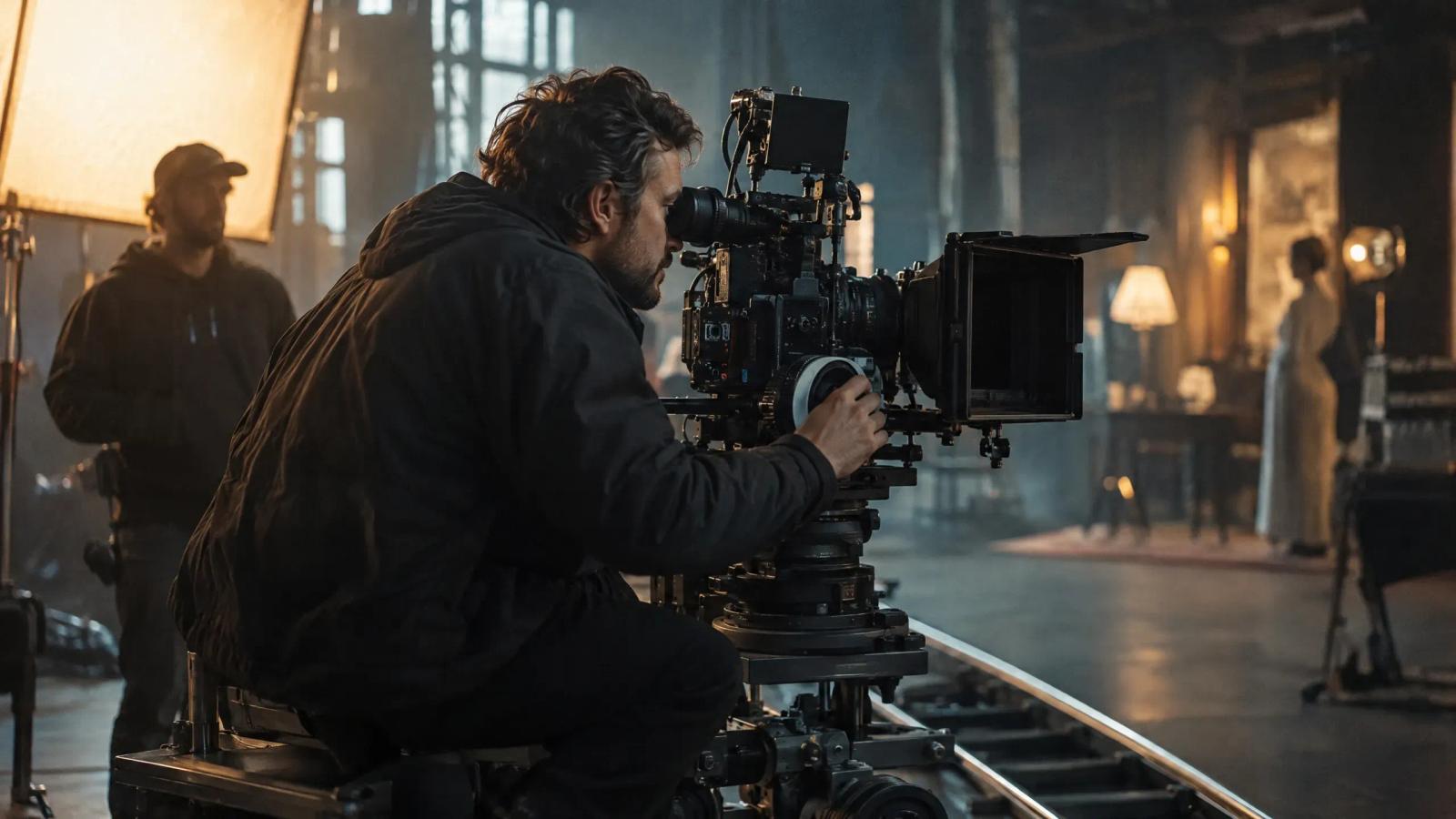
A good AI video prompt reads like a brief to a camera crew: who is in the shot, what they do, where they are, how the camera sees it, how it is lit, and how it should feel. Name the shot size, the lens, one camera move and one light source, and the model has far less to guess. Leave them out and you get the model's average: a centred subject, flat light and a slow drift toward nothing.
This guide gives you the vocabulary that video models reliably respond to, a six-part structure for putting it together, and worked examples you can adapt.
Why film language works better than adjectives
Video models are trained on footage and its descriptions. Terms such as "medium close-up" or "backlit" appear constantly in that material and mean one specific thing. Words such as "stunning", "epic" and "cinematic" appear everywhere and mean nothing in particular.
Compare two prompts for the same moment.
Weak: "A cinematic, emotional shot of a woman in a kitchen, beautiful lighting, highly detailed."
Strong: "Medium close-up of a woman in her thirties at a kitchen table, turning a small brass key in her fingers. 50mm lens, shallow depth of field. Low morning sun through a net curtain from camera left. The camera holds still. Quiet, tense."
The second prompt is not longer for the sake of it. Every phrase removes a decision the model would otherwise make at random.
The six parts of a shot prompt
Write the parts in this order. Models tend to weight the start of a prompt most heavily, so the subject and action come first.
| Part | Question it answers | Example |
|---|---|---|
| Subject | Who or what is the shot about? | A woman in her thirties in a rust-coloured cardigan |
| Action | What happens during the clip? | turns a small brass key in her fingers |
| Setting | Where and when? | at a worn kitchen table at dawn |
| Camera | How is it framed, and does it move? | medium close-up, 50mm, camera holds still |
| Light | Where does the light come from? | low sun through a net curtain from camera left |
| Mood | How should it feel? | quiet, tense |
You do not need all six every time, but when a result disappoints, the missing part is usually the reason.
Shot sizes
Shot size tells the model how much of the subject fills the frame. State it at the start of the camera description.
| Term | What you get | Use it for |
|---|---|---|
| Extreme wide shot | Landscape dominates; people are small | Establishing a world, scale, isolation |
| Wide shot | Full body with surroundings | Showing where a scene takes place |
| Medium shot | Waist up | Conversation, action with the hands |
| Medium close-up | Chest up | Dialogue, reactions |
| Close-up | Face fills the frame | Emotion, a decision |
| Extreme close-up | An eye, a mouth, a detail | Tension, revealing a clue |
| Insert | An object, tightly framed | The key, the letter, the phone screen |
| Over-the-shoulder | One character seen past another | Two-person scenes |
| Two-shot | Two people in one frame | Relationships, distance between people |
Angle is a separate choice. A low angle makes the subject look powerful, a high angle makes them look small, and a tilted Dutch angle signals that something is wrong. Our guide to the Dutch angle explains when it earns its place.
Lenses and depth of field
Naming a focal length changes the image in ways an adjective cannot.
| Lens | Effect | Typical use |
|---|---|---|
| 18–24mm wide | Exaggerates depth; edges stretch | Interiors, action close to camera, unease |
| 35mm | Natural, slightly wide | Following a character through a space |
| 50mm | Close to how the eye sees | Conversation, everyday moments |
| 85mm | Flatters faces; background softens | Portraits and close-ups |
| 135mm and longer | Compresses distance; isolates the subject | Surveillance feel, heat haze, crowds |
| Macro | Extreme detail at close range | Textures, eyes, mechanisms |
| Anamorphic | Wide frame, oval blur, horizontal flares | A widescreen cinema look |
Add depth of field in plain words: "shallow depth of field, background out of focus" or "deep focus, everything sharp from foreground to horizon". Avoid f-stop numbers; models respond more reliably to the description than to "f/1.4".
Camera movement
Use one move per clip and say how fast it is. Two moves in a few seconds almost always produce a smeared result.
| Move | What the camera does | Feels like |
|---|---|---|
| Static, locked off | Nothing | Observation, stillness, control |
| Push in (dolly in) | Travels toward the subject | Realisation, rising tension |
| Pull back (dolly out) | Travels away | Revealing context, leaving someone behind |
| Pan | Turns left or right on the spot | Following a look, revealing a space |
| Tilt | Turns up or down on the spot | Revealing height or scale |
| Tracking shot | Moves alongside the subject | Energy, travelling with a character |
| Crane or jib | Rises or descends | An opening or closing image |
| Handheld | Small, organic shake | Documentary feel, urgency |
| Orbit | Circles the subject | A turning point, a hero moment |
| Zoom | Lens magnifies; camera does not move | A sudden emphasis |
A push in and a zoom look different, and models know the difference: a push in changes perspective, a zoom only magnifies. Our explainers on the tracking shot and the zoom shot show each in use.
Write the speed and the end point: "slow push in, ending on a close-up" gives the model a destination. "The camera moves dynamically" gives it nothing.
Lighting
If you name no light, you get even, sourceless light. Name one source, its direction and its quality.
- Source: window, practical lamp, candle, neon sign, streetlight, the sun, a phone screen.
- Direction: from camera left, from behind (backlit), from above, from below.
- Quality: hard light gives sharp shadows; soft light wraps around a face.
- Colour: warm tungsten, cool daylight, green fluorescent, mixed.
- Time of day: golden hour, blue hour, overcast noon, night.
Some combinations do a lot of work in few words:
| Phrase | Result |
|---|---|
| Backlit, rim light on the hair | Subject separated from a dark background |
| Low-key lighting, deep shadows | Thriller, noir, secrecy |
| High-key lighting, soft and bright | Comedy, commercials, optimism |
| Practical lamp, warm pool of light | Intimate night interior |
| Overcast, soft and even | Naturalistic drama, skin tones |
| Hard noon sun, short shadows | Heat, exposure, tension |
Three prompts, rewritten
1. An establishing shot.
Before: "A lighthouse in a storm, dramatic."
After: "Extreme wide shot of a white lighthouse on a sea cliff at dusk, waves breaking far below. 24mm lens, deep focus. The beam sweeps once through heavy rain from right to left. The camera holds still. Cold blue light with one warm lamp in the keeper's window. Lonely, vast."
2. A dialogue reaction.
Before: "A man looks worried."
After: "Close-up of a man in his forties in a grey wool jumper, listening. His eyes drop to the table, then back up. 85mm lens, shallow depth of field. Soft window light from camera right, the other side of his face in shadow. Static frame. Guarded."
3. A product moment.
Before: "A cool shot of a sneaker."
After: "Low-angle insert of a white and green sneaker landing on wet concrete, water spraying outward. 35mm lens close to the ground. Slow motion. Hard low sun from behind, each drop catching the light. The camera holds still. Crisp, energetic."
In each case the rewrite names the size, the lens, the light, one movement and what happens inside the clip.
What prompts cannot do
A prompt describes one shot. It cannot make the next shot match it. If the kettle is steaming in shot five, nothing in the prompt for shot six knows that unless you say it again.
Three things carry that for you:
- Reference images for characters, locations and props, so identity does not depend on wording.
- A shot list that records what each shot must show and what has changed, so a prompt is written against something fixed.
- Reviewing each take in sequence, between the shot before and the shot after, instead of on its own.
This is the point where prompting becomes directing. In Induce, the shot list comes from the script, characters and locations are saved as shared elements, and you revise a single shot with a specific note such as a closer framing or a different lighting direction, then judge it in the cut. The AI shot control page shows that loop, and our piece on the controllable AI director explains the idea behind it. For the consistency side, see AI video continuity.
A checklist before you generate
- Is the subject described in a way that could not be confused with anyone else?
- Is there exactly one action?
- Have you named a shot size?
- Have you named a lens or a depth of field?
- Is there one camera move, with a speed, or the word "static"?
- Is there one named light source and its direction?
- Does the prompt say what has changed since the previous shot?
FAQ
Subject, action, setting, camera, light, mood, in that order. Put the subject and the action first because models weight the beginning of a prompt most heavily.
Two to four sentences, or roughly 40 to 80 words. Shorter prompts leave too much to chance. Much longer ones start to contradict themselves, and the model drops parts of them.
Yes, on current video models. They appear often in the descriptions models learn from, and they mean something specific. Results vary between models, so test a term on the model you use before building a sequence around it.
Say so directly: "static shot, the camera holds still, locked off". Models add gentle motion by default, so stillness has to be requested.
Because each prompt is generated on its own. Use a reference image of the character for every shot, start each clip from an approved still, and keep the wording of the character description identical throughout.
Use them sparingly, and only where the model supports them. Stating what you want ("empty street, no people") usually works better than a long list of things to avoid.