AI filmmaking8 min read
AI Previsualization (Previz): What It Is and How to Use It
What AI previs is, how it differs from storyboards, animatics and techvis, and a step-by-step way to previsualize a scene from the script.
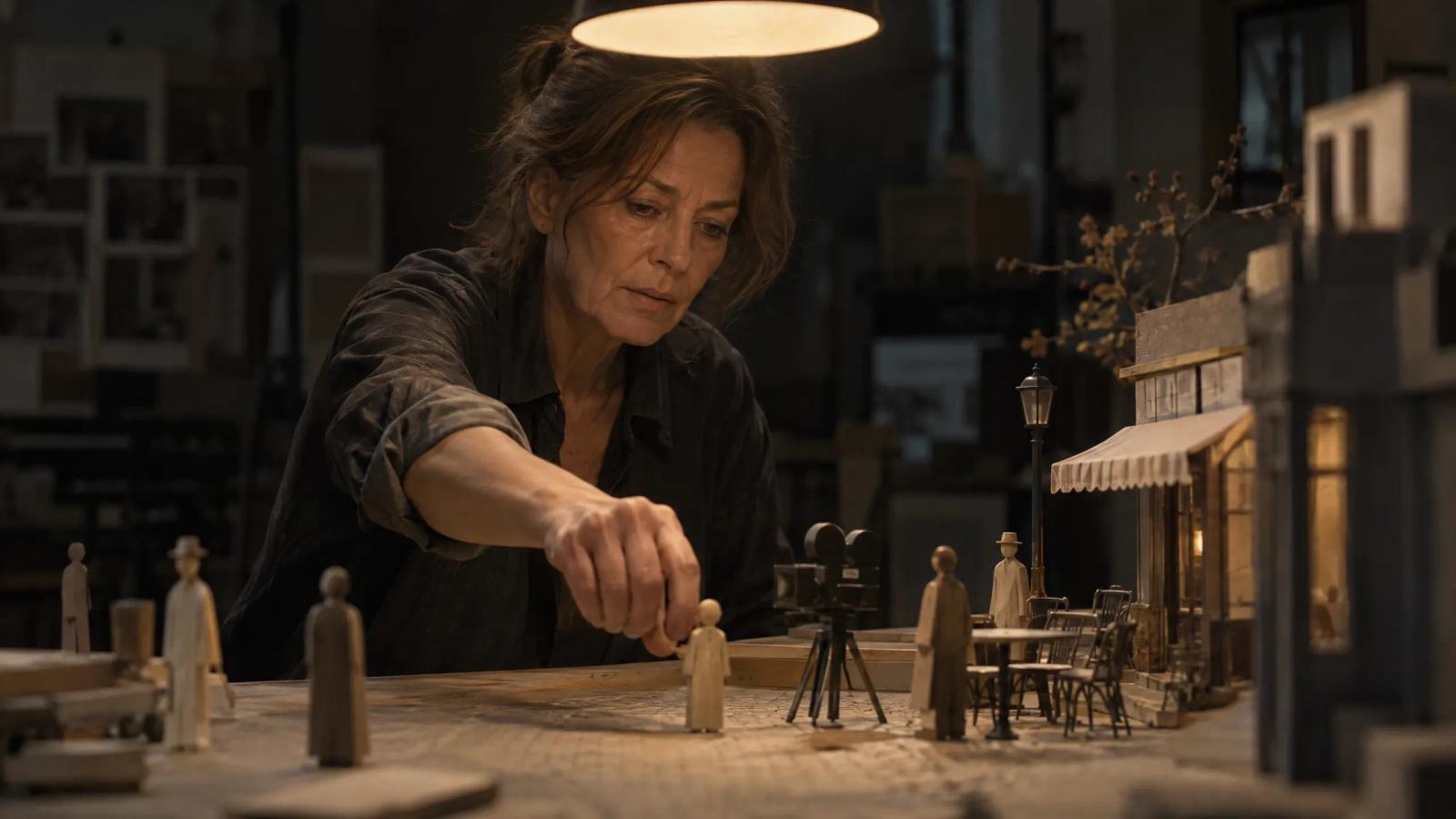
AI previsualization (AI previs, or previz) is the practice of planning a film's shots with images and video generated from text, instead of hand-drawn boards or a hand-built 3D scene. You use it to see how a sequence will look and play before you commit to locations, cast, crew or a shoot day. It answers creative questions quickly; it does not replace the technical planning a complicated physical shot still needs.
This guide covers what previs is for, where AI fits next to storyboards, animatics and 3D previs, and a step-by-step way to previsualize one scene from a script.
What is previsualization in film?
Previsualization is any way of seeing a film before you make it. The term covers a range of methods that differ in how much they show and how much effort they take:
- Storyboards are still frames, one or more per shot, usually drawn. They show composition and coverage.
- Animatics put the storyboard frames on a timeline with rough dialogue, sound and music. They show pacing.
- 3D previs builds the scene in a 3D package with simple models of the set, the actors and the camera. It shows camera movement and blocking in time.
- Techvis takes a 3D previs and adds real measurements: lens focal lengths, crane reach, dolly track length, stage size. It answers whether the shot can physically be done.
- Postvis happens after the shoot. Temporary effects are laid over real footage so the editor and the effects team can work before final shots exist.
"Previs" and "previz" are both short for previsualization. Crews and the visual effects trade tend to write previs; previz is common in search and in marketing. They mean the same thing.
The point of every method on that list is the same: make decisions while they are cheap to change. A note on a storyboard costs a pencil. The same note on a shoot day costs a crew's time.
What does AI change about previs?
AI previs replaces the drawing or the 3D modelling with generation. You describe a shot in words, sometimes with reference images, and a model returns a still frame or a short clip. That shifts three things.
Speed of the first look. A scene that would take days to board by hand, or longer to build in 3D, can be roughed out from the script in a sitting. That makes previs practical for projects that never had a budget for it: short films, pitches, commercials and music videos.
Fidelity. A generated frame can look close to finished, with light, texture and wardrobe. That helps when you are showing tone to a financier or a client. It can also mislead, because a polished frame looks like a promise. Previs is a plan, not a preview of the final film.
Control. Hand-drawn boards do exactly what the artist draws. Generated frames drift: a face changes between shots, a prop moves, the lens feel shifts. Much of the work in AI previs is keeping a sequence consistent so it reads as one scene rather than a set of unrelated pictures. The AI video continuity guide covers why that happens and how to handle it.
What AI does not change is the thinking. You still need a script, a shot list and an opinion about where the camera goes. A model will fill every gap you leave with a guess.
AI previs vs storyboards, animatics and 3D previs
Most productions use more than one method. The useful question is which one a given shot needs. This table is a starting point.
| Method | Best at answering | Weak at | Effort per shot | Use it when |
|---|---|---|---|---|
| Hand-drawn storyboard | Composition, coverage, order of shots | Tone, light, timing | Low | You need to agree coverage fast with a small team |
| Animatic | Pacing, rhythm, where dialogue lands | Camera motion, look | Low to medium | Timing is the open question, such as comedy or a montage |
| AI stills (AI storyboard) | Tone, look, cast and world together | Exact lens, exact blocking | Low | You need to show the film's look to someone who must approve it |
| AI video clips | How a moment plays in motion | Precise, repeatable camera moves | Medium | A shot's feel depends on movement or performance |
| 3D previs | Camera path and blocking in real space | Final look | High | A complex move or stunt must be choreographed |
| Techvis | Whether the shot is physically possible | Story and tone | High | Rigs, cranes, stage size or safety are in question |
Read the table as a ladder. Start each shot at the cheapest rung that answers your question and climb only when it does not. Building 3D previs for a shot a storyboard would have settled is the most common way to waste pre-production time. Going the other way, an AI clip of a car stunt will tell you how it might feel, not whether your crane can reach.
How to do AI previs from a script, step by step
The workflow below works for a scene of one to three pages. It assumes you have a script; if you only have an idea, write the scene first.
- Pick one representative scene. Do not previsualize the whole film first. Choose a scene that carries the tone of the project and has the hardest coverage: a dialogue scene with a reverse angle, an insert and some movement is a good test.
- Break the scene into a shot list. For each shot, write the shot size, the angle, any camera movement and what the shot must show. If you have not written one before, start with the shot list template.
- Fix the references. Decide how each character, location and key prop looks, and keep one reference for each. Every frame should draw on the same references. This is the step most first attempts skip, and it is why their boards look like a mood board instead of a scene.
- Generate one still per shot. Describe each shot in camera language: shot size, lens, angle, light, what is in frame. The AI video prompt guide has the vocabulary. Review each frame against the shot list, not against how attractive it is.
- Cut the stills into an animatic. Put the frames on a timeline with a scratch read of the dialogue. Hold each frame for roughly the length the shot will play. This is where pacing problems show up.
- Animate only the shots that need it. Turn a still into a short clip when the open question is movement or performance. A static two-shot rarely needs a clip; a slow push-in on a reaction often does.
- Review as a sequence and decide. Watch the scene start to finish. Note what you are changing in the script, the coverage or the schedule. Those notes are the real output of previs.
If a frame keeps missing, the problem is usually upstream: the shot list is vague, or the reference is missing. Fix the plan rather than generating the same shot again.
A worked AI previs example you can copy
Here is an invented scene and the previs plan for it. Swap in your own.
The scene. INT. RADIO STATION, NIGHT. A night-shift host takes a call from a listener who seems to know things about her she has never said on air. One page, two characters (the host on screen, the caller as a voice), one location.
The question previs must answer. Does the scene build unease with coverage alone, or does it need a camera move to land the final line?
| Shot | Size and angle | Lens feel | Movement | Must show | Still or clip |
|---|---|---|---|---|---|
| 1 | Wide, eye level | 24mm | Static | The booth, empty station beyond the glass | Still |
| 2 | Medium, slight high angle | 35mm | Static | Host at the desk, headphones on | Still |
| 3 | Insert | 50mm macro | Static | The call light blinking on the console | Still |
| 4 | Close-up, eye level | 85mm | Static | Host's face as the caller first speaks | Still |
| 5 | Over-the-shoulder, toward the glass | 35mm | Static | Her reflection, the dark station behind | Still |
| 6 | Close-up | 85mm | Slow push-in | Her reaction to the last line | Clip |
References to fix before generating. One reference for the host (face, hair, cardigan, headphones), one for the booth (desk, console, the glass window, a single practical lamp), and one for the console prop so the call light is the same object in shots 2, 3 and 4.
A prompt for shot 4, written as a shot. "Close-up, eye level, 85mm lens, shallow depth of field. A radio host in her forties in a grey cardigan and headphones, lit from one side by a warm desk lamp, the rest of the booth falling to darkness. She listens, unsettled, not speaking. Film still, no text, no logos, no readable screens."
What to look for in review. Does the cut from shot 3 to shot 4 land on the caller's first word? Does shot 5 make the empty station feel close, or does the reflection read as a second person? Does the push-in in shot 6 earn the line, or would a hard cut to a tighter static close-up do the same job? Each answer is a decision you can carry into the shoot or the generated film.
When AI previs is the wrong tool
AI previs is strong on tone and weak on measurement. Use something else when:
- The shot is a physical problem. Rig reach, track length, stunt safety and stage dimensions need techvis or a recce, not a generated frame.
- Exact repeatability matters. If a visual effects plate has to match a previs camera path to the frame, build it in 3D.
- The frame would set a false expectation. If the people approving the previs will read a polished generated frame as the final look, say clearly what is fixed and what is not, or use rougher boards.
Previs in Induce AI
Induce AI is built around a script rather than single prompts, which is how previs works on paper. In Story mode you upload a screenplay (PDF, Final Draft, Fountain, Celtx, Word, Markdown or plain text, up to 25 MB) or describe an idea and draft the script with the agent. The script is broken into scenes, and each scene gets a shot list you can read and change before anything is rendered. The script editor page shows those stages.
Characters, locations and props are saved once as elements and shared by every shot in the project, which covers step 3 of the workflow above. Stills are rendered shot by shot; each take is reviewed and gets a short verdict, and a take that misses the plan is marked so you can re-film it or accept it anyway. Approved stills become the opening frames for the video clips, so the boards and the generated sequence come from the same plan. The AI storyboard generator page walks through that route, and the filmmakers page covers using it to explore a scene before a physical shoot.
FAQ
AI previs is previsualization done with generated images and video instead of hand-drawn boards or a hand-built 3D scene. You describe each shot in words, often with reference images, and review the frames as a sequence before production. It is used to test tone, coverage and pacing early.
No. A storyboard is one kind of previs: still frames that show composition and coverage. Previs is the wider category and also includes animatics, 3D previs and techvis, which add timing, camera movement and physical measurements.
An animatic is storyboard frames cut together on a timeline with rough sound, so you can judge pacing. Previs usually means a fuller simulation of the shots, often with camera movement in a 3D scene or, with AI, generated clips. In practice the terms overlap and many crews use them loosely.
For tone and rough coverage, often yes. For precise camera paths, rig planning and shots that have to match a visual effects plate, no; those still need 3D previs or techvis. Many productions use AI frames first and build 3D only for the few shots that need it.
You need at least a written scene and a shot list. Without them a model has to guess the story, the coverage and the order of shots, and the results rarely cut together. If you only have an idea, write the scene first, even a rough page.
Both are correct and mean the same thing. Previs is the spelling most often used by crews and the visual effects trade; previz is common in search and marketing.